Gigabit vs Fast Ethernet Switch: Do You Actually Need Gigabit Speed?
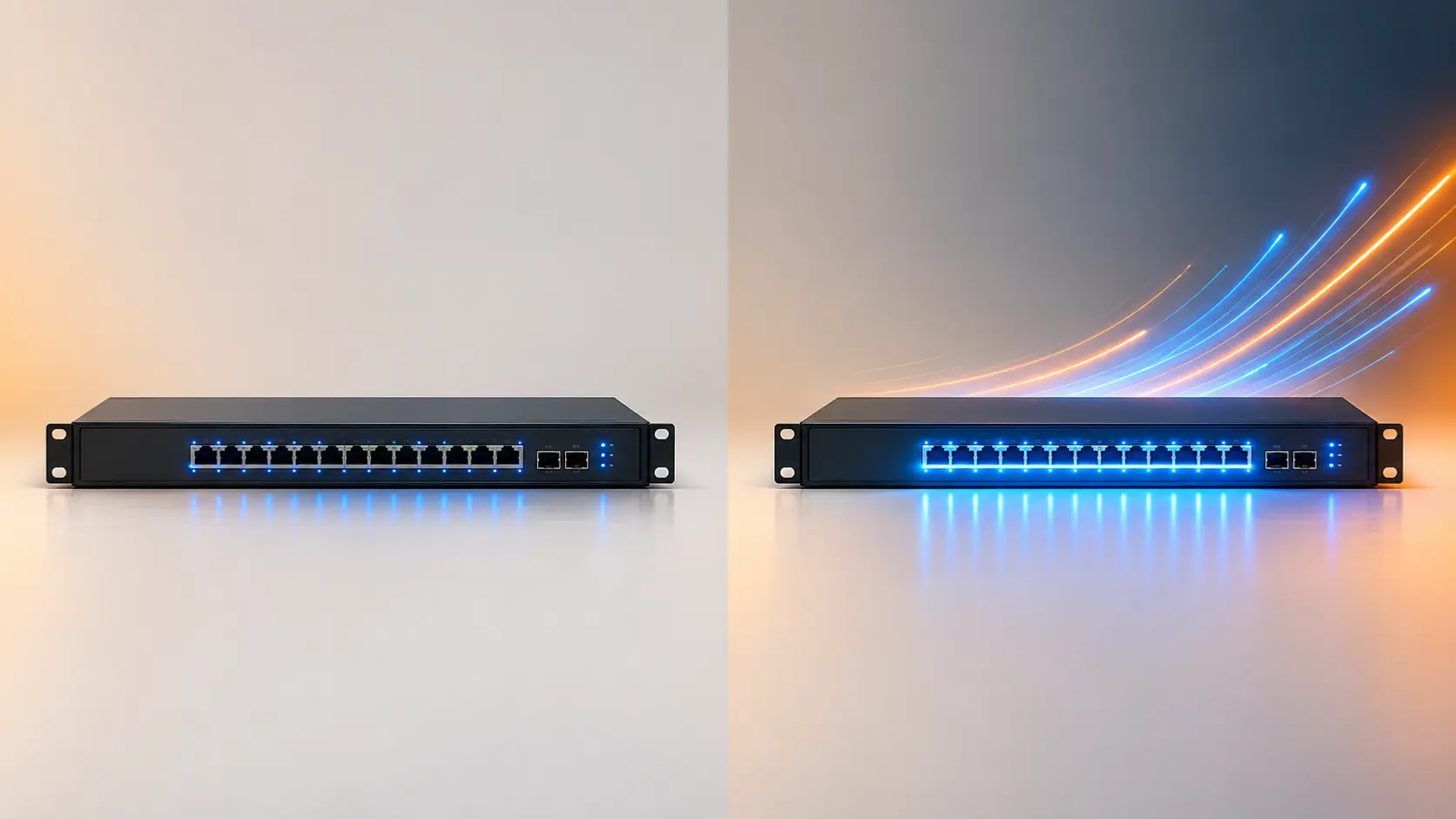
10/100 or Gigabit switch — which do you actually need? Here's a clear, practical way to decide based on your real usage, not just the spec sheet.
Two switches can look nearly identical, sit at noticeably different price points, and the only real difference on the spec sheet is one number: 100 Mbps versus 1000 Mbps. It's tempting to assume bigger is simply better and pay the difference without a second thought — but for a genuine share of home and small office setups, Fast Ethernet (100 Mbps) is still entirely sufficient, and the extra cost of Gigabit buys speed that never actually gets used.
Here's how to tell which one your setup actually needs.
The Basic Numbers
Fast Ethernet switches, like Tenda's S105 and S108, support up to 100 Mbps per port. This was the standard for years before Gigabit became common and affordable, and it remains genuinely sufficient for a range of everyday tasks.
Gigabit Ethernet switches, like Tenda's SG105M, SG108M, and the entire TEG series, support up to 1000 Mbps (1 Gbps) per port — ten times the raw throughput of Fast Ethernet.
The Rule That Actually Decides This: Your Weakest Link Sets the Speed
This is the single most important thing to understand before choosing: a connection only runs as fast as its slowest component. If you connect a device with a Fast Ethernet network card to a Gigabit switch, that specific connection still runs at 100 Mbps — the Gigabit switch's extra capacity goes unused for that device. Similarly, if your internet plan is 100 Mbps, a Gigabit switch won't make your internet connection itself any faster; it only matters for traffic moving between devices on your own local network.
This means the Gigabit-vs-Fast-Ethernet decision isn't really about the switch in isolation — it's about matching the switch to what your actual devices and internet plan can use.
When Fast Ethernet (100 Mbps) Is Genuinely Enough
- Your internet plan is 100 Mbps or below — a faster local switch won't increase your actual internet speed
- Your connected devices do lighter tasks: browsing, email, basic printing, standard-definition streaming
- You're simply expanding a small number of ports for devices that don't need to move large files between each other
- Budget matters more than future-proofing, and your needs are unlikely to change significantly
Fast Ethernet switches also use less demanding cabling (Cat5 or Cat5e is sufficient), which matters if you're working with older, existing cable runs rather than installing new cable.
When Gigabit Is Worth the Extra Cost
- Your internet plan is above 100 Mbps — a Fast Ethernet switch would bottleneck that connection for any device connected through it
- You regularly transfer large files between devices on your own network — backups to a NAS drive, video editing files, large photo libraries
- You're running higher-resolution CCTV cameras or multiple simultaneous video streams across your network
- Multiple people or devices are actively using the network at once, where Gigabit's extra headroom reduces the chance of bottlenecks
- You want reasonable future-proofing, since device and internet speeds generally continue trending upward over time
For most modern broadband plans (100 Mbps and above, increasingly common as India's fibre rollout continues) and for any setup involving file transfers, backups, or higher-resolution video, Gigabit is worth the modest price difference over Fast Ethernet.
Practical Example: A Tenda S105 vs SG105M Decision
Both are 5-port switches from the same product line, differing essentially only in speed. If you're adding ports for a printer, a basic smart TV, and general browsing on a 50 Mbps broadband plan, the S105 (Fast Ethernet) does the job at a lower cost, since nothing in that scenario needs more than 100 Mbps. If you're instead adding a NAS drive you'll be backing up large files to regularly, plus a desktop on a 200 Mbps fibre plan, the SG105M (Gigabit) avoids becoming the bottleneck in that setup.
A Note on Cabling
Fast Ethernet works over Cat5 or Cat5e cable. Gigabit Ethernet requires at minimum Cat5e, with Cat6 recommended for longer runs or more reliable full-speed performance. If you're working with older, pre-existing cable runs in a building, it's worth confirming what's actually installed before assuming a new Gigabit switch will automatically deliver full Gigabit speeds — the cable itself is part of the equation, not just the switch.
Frequently Asked Questions
If I buy a Gigabit switch but my devices are older and only support Fast Ethernet, is the Gigabit switch wasted?
Not entirely wasted — the switch will still work correctly with those devices, simply running at their maximum supported speed (100 Mbps) rather than the full Gigabit the switch is capable of. If you plan to upgrade devices over time, a Gigabit switch means you won't need to replace it again once those upgrades happen.
Does my internet speed matter when choosing between Fast Ethernet and Gigabit?
Yes, significantly. If your broadband plan is 100 Mbps or below, a Fast Ethernet switch won't bottleneck your actual internet speed at all — the limitation is your internet plan, not the switch. Gigabit becomes relevant once your plan exceeds 100 Mbps, or for fast transfers between devices on your own local network regardless of internet speed.
Is Gigabit Ethernet always better, even if I don't strictly need it?
"Better" in raw capability, yes, but not necessarily better value if your actual usage never benefits from the extra speed. Paying more for capacity you won't use isn't really an advantage — it's just added cost.
Can I mix Fast Ethernet and Gigabit switches on the same network?
Yes, this works fine. Each switch and connection operates at its own maximum supported speed; a Fast Ethernet switch connected to a Gigabit switch's port will simply cap that particular connection at 100 Mbps, without causing errors or conflicts elsewhere on the network.
Do I need new cabling if I upgrade from a Fast Ethernet to a Gigabit switch?
Possibly, depending on your existing cable. Gigabit requires at least Cat5e cable to function at full speed; older Cat5 cable may not reliably support full Gigabit speeds, so it's worth checking your actual cable type before assuming an upgrade will deliver full performance.
Is there a real-world difference between 100 Mbps and Gigabit for basic home browsing?
For simple browsing, email, and standard streaming on a broadband plan under 100 Mbps, most people won't notice a practical difference, since the internet connection itself is the limiting factor, not the local switch speed.
Matching switch speed to your actual internet plan and usage — not just picking the higher number — avoids paying for bandwidth you'll never touch. Browse Tenda's full range of Fast Ethernet and Gigabit switches to find the right fit.