How to Set Up a PoE Switch: Step-by-Step Guide
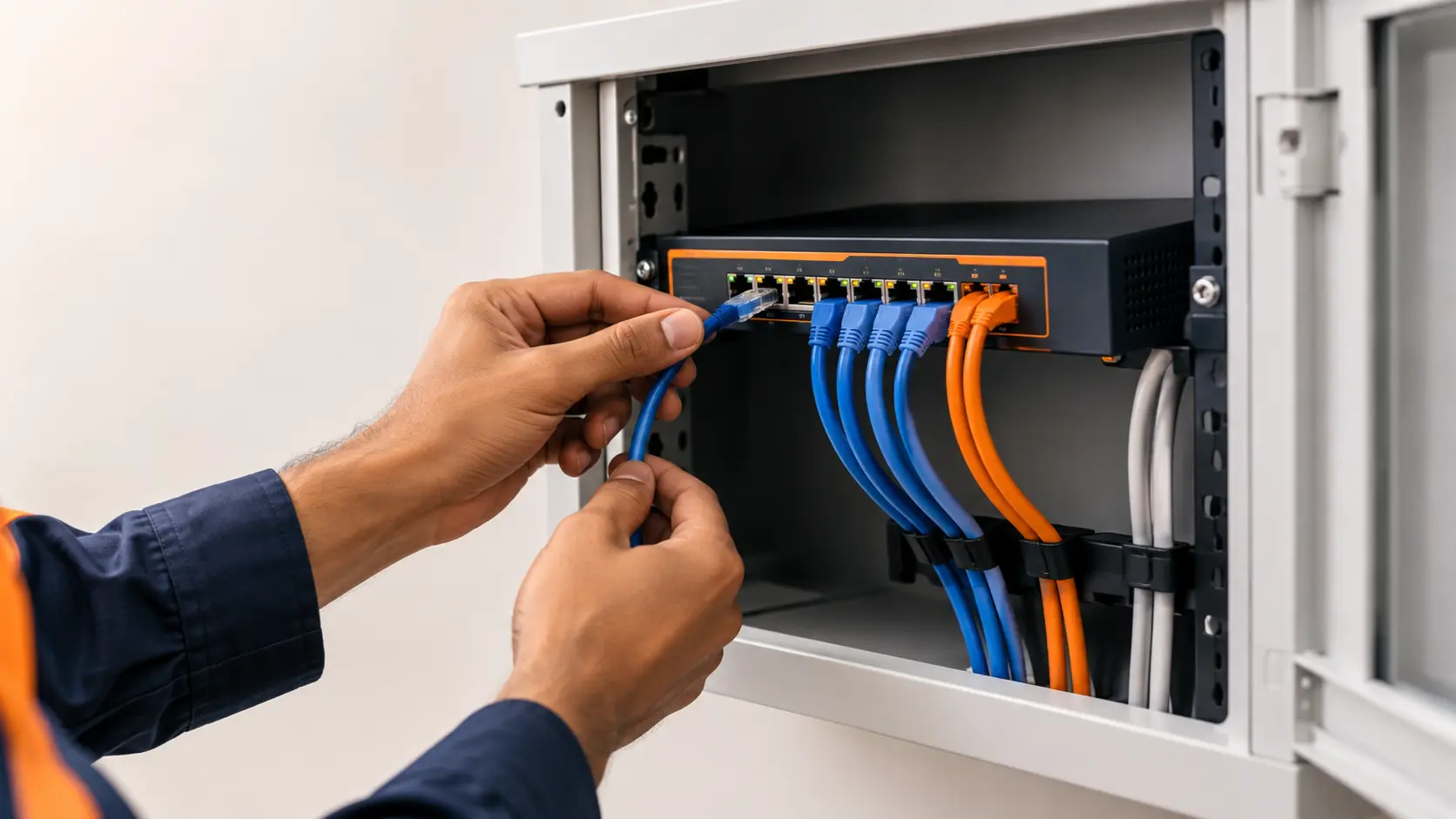
Setting up a PoE switch for cameras or access points? Here's a clear, step-by-step guide to wiring, powering, and connecting it correctly the first time.
If you're setting up more than one or two access points to cover a home or small office properly, running a separate power adapter to each one gets impractical fast — especially if an access point is mounted on a ceiling, outdoors, or somewhere without a nearby socket. This is exactly the scenario PoE switches were built for, and getting the pairing right means your WiFi coverage stays reliable instead of randomly dropping when you least expect it.
Here's what actually matters when choosing a PoE switch to power your access points.
Why Access Points Are Usually PoE-Powered by Design
Most modern access points, especially ceiling-mounted, wall-mounted, and outdoor models, are built around PoE as the primary or only sensible power option. Take the Tenda OAP1200, an indoor/outdoor access point drawing around 11.5W — it supports both 802.3at PoE and passive PoE, and can be powered either through its included PoE adapter or directly from a PoE switch. This isn't unusual; it reflects how access points are typically installed in the real world.
The reasoning is practical: an access point mounted high on a wall, on a ceiling, or outdoors on a pole rarely has a convenient power socket nearby. Running a single Ethernet cable that carries both data and power solves the installation problem in one go, without an electrician or unsightly extension cables running across a room.
How Much Power Does an Access Point Actually Need?
Access point power draw varies more than people expect, mainly based on how many radios and antennas the unit has:
- Basic single-band or entry dual-band APs: roughly 7-9W
- Standard dual-band access points (like the OAP1200 at ~11.5W): typically 9-13W
- Higher-performance or multi-radio access points: can reach 15-20W or more
Always check your specific access point's datasheet for its exact draw rather than assuming from a general range — this number is what determines both the PoE standard your switch needs to support and how many access points a given switch's power budget can realistically handle.
Sizing a Switch for Multiple Access Points
If you're deploying more than one access point — common in larger homes, small offices, or anywhere needing whole-building WiFi coverage — the calculation is the same total-power-budget math used for any PoE deployment:
Worked example: You're installing 3 access points at approximately 11W each, alongside 2 basic IP cameras at 8W each.
3 access points: 3 × 11W = 33W 2 cameras: 2 × 8W = 16W Subtotal: 49W + 25% buffer: 49W × 1.25 ≈ 61W
A switch like the Tenda S106PC (65W budget, 4 PoE ports) covers this specific mix, though you'd be using nearly all four ports and most of the power budget — leaving little room to add a fourth access point or additional camera later. Stepping up to the S110PC or SG110PC (8 PoE ports) gives the same setup genuine room to grow, which is often the better choice if whole-building WiFi coverage is likely to expand over time, as it often does once the first few access points prove how much better coverage becomes.
Mixing Access Points and Cameras on the Same Switch
This is a common, sensible setup — there's no technical reason to keep access points and cameras on separate switches, as long as your total power budget accounts for everything connected. The switch simply allocates power to whichever devices request it during detection, regardless of device type. The only real consideration is making sure your total calculated load (access points plus cameras plus any other PoE devices) stays comfortably within the switch's total budget, with the usual buffer for demand spikes.
What PoE Standard Do Access Points Typically Need?
Most standard access points, including dual-band models in the 9-13W range, run comfortably on 802.3at (PoE+), which supports up to 30W per port. Basic single-radio access points may only need standard 802.3af (PoE), while higher-performance multi-radio or WiFi 6E access points can edge toward needing 802.3bt (PoE++) in some cases. Check your specific access point's requirement — a mismatch here is one of the more common reasons an access point powers on but doesn't perform at its rated capacity.
A Note on Outdoor Access Points
If you're installing an outdoor access point like the OAP1200 to cover a garden, compound, or backyard area, running PoE from an indoor switch to an outdoor unit is standard practice — just make sure the Ethernet cable run is rated for the conditions (outdoor-rated cable if it's exposed to weather) and stays within the standard 100-metre distance limit, beyond which PoE power delivery starts to degrade.
Frequently Asked Questions
Can I power multiple access points from a single PoE switch?
Yes, this is a standard setup for multi-AP WiFi coverage across a home or office. Just make sure your switch's total power budget comfortably covers the combined draw of all connected access points, with room for other devices you might add later.
Do outdoor access points need a different PoE switch than indoor ones?
The switch itself doesn't need to differ, but check that your access point's PoE standard (802.3af, at, or bt) matches what your switch supports, and that any outdoor cable runs use weather-rated cabling and stay within standard distance limits.
Is it fine to mix access points and IP cameras on the same PoE switch?
Yes, this is common and works well, as long as your total power calculation includes every connected device — access points and cameras together — and stays within the switch's total budget with reasonable headroom.
How many access points can one PoE switch power?
This depends entirely on the switch's total power budget divided by your access points' individual power draw, not just the number of available ports. A switch with 8 PoE ports and a modest power budget might only comfortably power 5-6 standard access points once you include a safety buffer.
What happens if my access point is underpowered by the switch?
An underpowered access point may power on but not run all its radios or antennas at full capacity, resulting in reduced WiFi performance or range compared to its rated specifications — even though it appears to be working. Checking your switch's PoE standard against your access point's actual requirement avoids this.
Should I buy a switch sized exactly for my current access point count, or with extra capacity?
Building in some headroom is usually worth it, especially for WiFi coverage projects, since adding more access points later is a very common next step once the initial coverage improvement is noticeable. Sizing up one tier from your exact current need is a reasonable approach.
Getting the power budget right for your access points means reliable WiFi coverage that doesn't randomly degrade as your network grows. Browse Tenda's PoE switch range to find the right fit for your access point deployment.