Managed vs Unmanaged Network Switch: Which One Do You Actually Need?
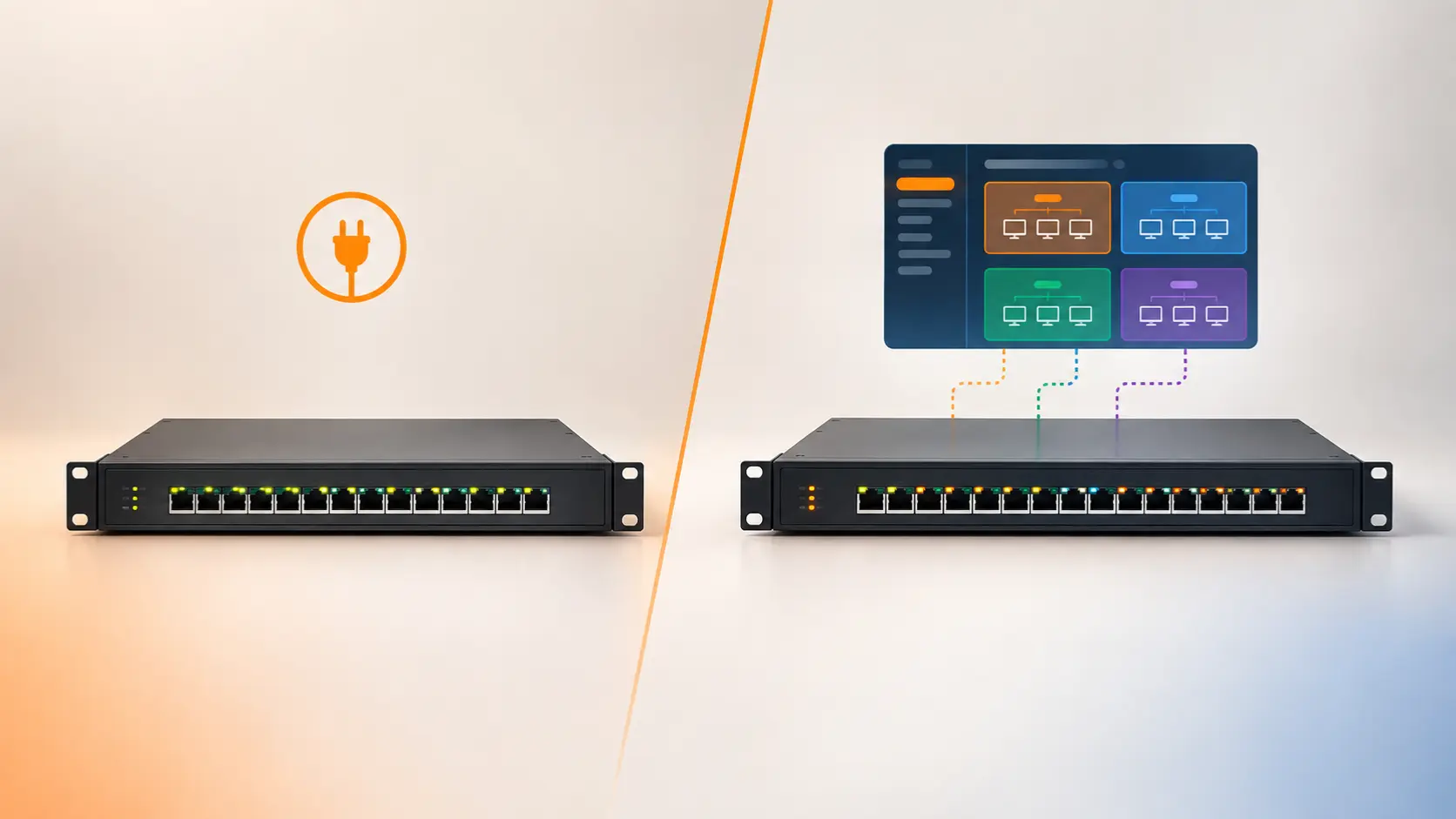
Not sure if you need a managed or unmanaged network switch? Here's a clear way to decide, with real examples of when each one actually matters.
Unlike some networking categories where "managed" is mostly a marketing tier, the distinction between a managed and unmanaged switch is genuinely functional — one gives you a configuration interface with real control over how your network behaves; the other simply works the moment you plug it in. Buying the wrong one means either paying for features you'll never touch, or hitting a hard wall the first time you need control an unmanaged switch simply can't offer.
Here's how to tell which side of that line your setup actually falls on.
The Core Difference
An unmanaged switch requires no configuration at all. Plug your devices in, and it automatically directs traffic to the right port — no login screen, no settings, no software. This is true plug-and-play networking.
A managed switch gives you a configuration interface — typically a web dashboard or console connection — where you can control VLANs (network segmentation), QoS (traffic prioritization), port monitoring, security policies, and in some cases, routing between network segments. Tenda's managed lineup includes the TEG3328F (Layer 2 managed) and TEG5328F (Layer 3 managed), while the rest of the networking switch range — S105, S108, SG105M, SG108M, TEG1016D, TEG1024D, and TEG1050F — are unmanaged.
What Unmanaged Switches Handle Well
For the large majority of homes and small offices, an unmanaged switch is exactly the right tool:
- Expanding wired ports on a home network — more Ethernet connections for computers, printers, or a NAS drive
- Small office networks without a specific need to separate traffic types or control bandwidth allocation
- Straightforward device expansion where every connected device should simply talk to every other device on the network
- Anyone who wants it to just work, without learning a configuration interface
The appeal isn't only simplicity — it's cost. Unmanaged switches are meaningfully cheaper than managed equivalents with the same port count, since you're not paying for hardware and software features you won't use.
What Actually Requires a Managed Switch
Network segmentation with VLANs. If you want to keep, say, a hotel's guest WiFi network completely isolated from its back-office systems, or separate a CCTV camera network from general office traffic, this requires VLAN support. Tenda's TEG3328F and TEG5328F both support this directly.
Traffic prioritisation (QoS). In a network carrying VoIP calls, video streams, and general data simultaneously, QoS ensures time-sensitive traffic doesn't stutter because someone's running a large backup at the same time. The TEG5328F specifically supports three QoS scheduling modes (SP, SWRR, WRR) for more granular control over exactly how that prioritisation behaves.
Automatic device discovery for CCTV and network monitoring. This is a genuinely distinctive feature on the TEG3328F: it supports ONVIF-based IP camera discovery and LLDP-based network device discovery, automatically detecting and mapping connected cameras and devices, along with online/offline status monitoring. For anyone managing a mid-sized CCTV installation, this turns "is that camera actually still working" from a manual check into something the switch itself tracks.
Inter-VLAN routing without a separate router. This is where the TEG5328F's Layer 3 capability specifically matters over the TEG3328F's Layer 2. A Layer 2 switch can create separate VLANs, but getting traffic between those VLANs still requires routing through a separate router. A Layer 3 switch like the TEG5328F can route between VLANs directly at the switch itself — meaningfully faster than sending that traffic out to a router and back, which matters in busier networks like enterprise or campus deployments where inter-VLAN traffic is frequent.
Formal network security policies. Managed switches support access control lists (ACLs) and more granular security configuration than unmanaged hardware can offer, relevant for business environments with specific compliance or security requirements.
L2 Managed vs L3 Managed: What's the Real Difference?
Since Tenda's managed range includes both, it's worth being specific about this distinction:
Layer 2 managed (TEG3328F) operates primarily at the level of MAC addresses — it can create and manage VLANs, apply QoS, and monitor the network, but doesn't route traffic between different IP subnets on its own. It's built for the aggregation layer of a network — connecting many devices and managing how their traffic is organised and prioritised.
Layer 3 managed (TEG5328F) adds static routing capability, meaning it can route traffic between different VLANs or subnets directly, without needing a separate router in the loop for that traffic. Tenda positions this as suited to the aggregation or core layer of medium-to-large networks — enterprise and campus environments where fast inter-VLAN routing genuinely matters at scale.
For most small-to-medium business deployments, an L2 managed switch like the TEG3328F covers the actual need. L3 capability becomes worth the step up specifically when you have multiple VLANs that need to communicate with each other frequently and want that routing handled at switch speed rather than round-tripping through a router.
The Simple Decision Test
Ask yourself these questions. If you answer "no" to all of them, an unmanaged switch is almost certainly the right choice:
- Do I need to keep certain devices or traffic types (CCTV, guest WiFi, sensitive systems) completely isolated from each other?
- Do I need to prioritise certain traffic (VoIP, video) over general data traffic?
- Am I managing enough network devices that automatic discovery and monitoring would genuinely save time?
- Do I have specific compliance or security requirements around network segmentation and access control?
Most home networks and straightforward small offices answer "no" across the board — which is why unmanaged switches remain the practical default for the majority of Tenda's networking switch range, not a compromise choice.
Frequently Asked Questions
Is a managed switch always better than an unmanaged one?
Not "better" in an absolute sense — it depends entirely on whether you need the control features managed switches offer. An unmanaged switch handling a straightforward network is not a lesser choice; it's the appropriately matched one.
Do I need a managed switch for a home network?
Almost certainly not. Unmanaged switches handle typical home networking — computers, printers, smart devices, even a home CCTV setup — without any configuration required.
What's the difference between the TEG3328F and TEG5328F?
The TEG3328F is a Layer 2 managed switch (VLANs, QoS, device discovery, no inter-VLAN routing built in). The TEG5328F is a Layer 3 managed switch, adding the ability to route traffic directly between VLANs at the switch itself, suited to larger networks where that inter-VLAN traffic is frequent.
Can I add VLANs to an unmanaged switch later if I need them?
No — this capability is built into the switch's hardware and software, not unlocked through a settings menu. If you anticipate needing VLANs or other managed features down the line, it's worth planning for a managed switch from the start.
Is a managed switch harder to set up?
Yes, by design — configuring VLANs, QoS, and other managed features requires deliberate setup and some networking knowledge. An unmanaged switch requires no setup at all beyond plugging it in.
Do I need a managed switch just because I have many devices connected?
Not necessarily. Device count alone doesn't require managed features — what matters is whether you need those devices' traffic segmented, prioritised, or centrally monitored. Many networks with dozens of devices run perfectly well on unmanaged switches.
Whether you need managed or unmanaged comes down to whether you need actual control over how your network behaves, not how many devices you're connecting. Browse Tenda's full network switch range — both managed and unmanaged — to find the right fit.