PoE Extend Mode Explained: Powering Devices Beyond the Standard 100m Limit
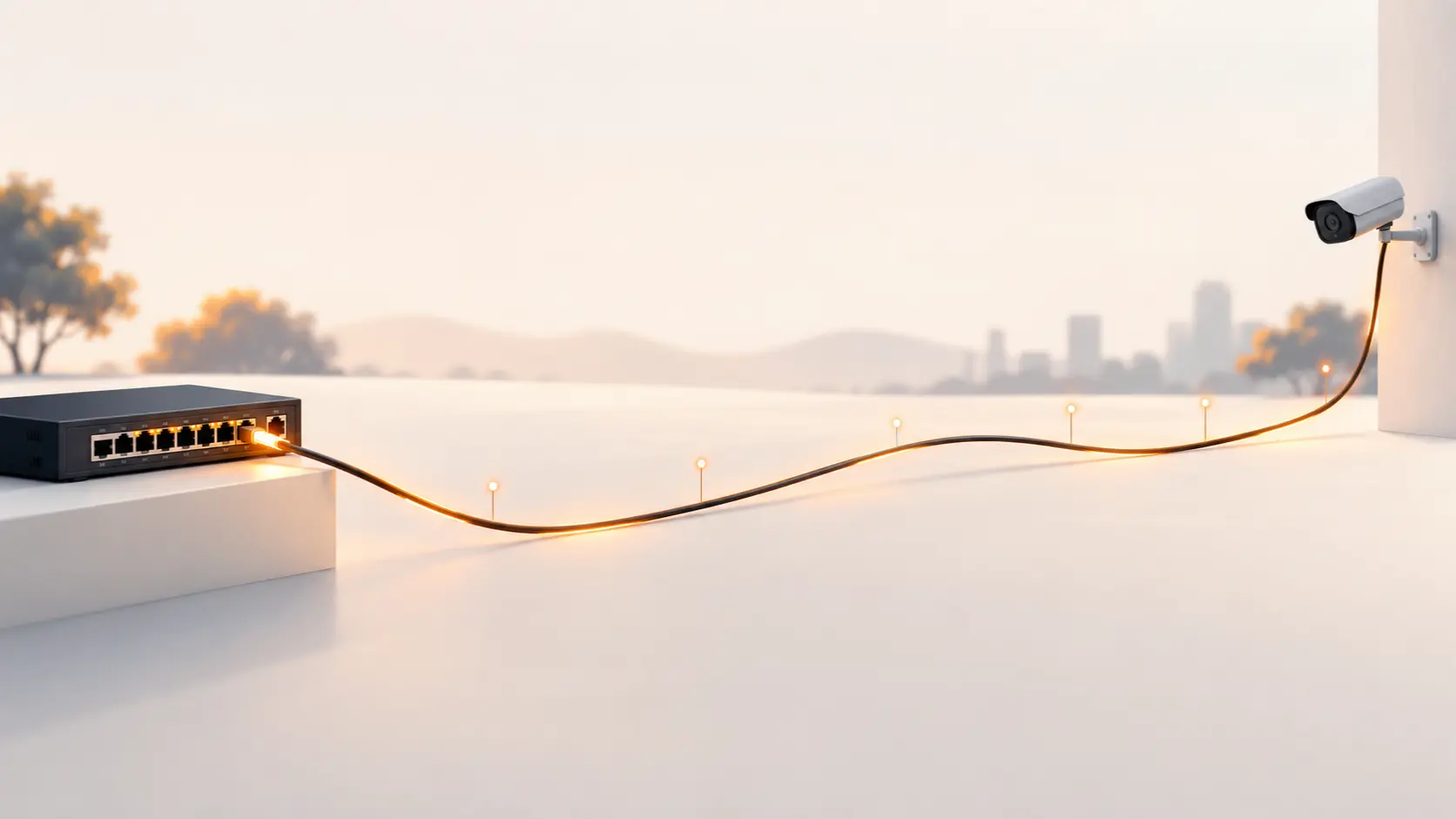
Need to run a camera or access point beyond the standard 100m PoE limit? Here's how Extend Mode works, its real trade-off, and when to use it.
Standard Ethernet and PoE both max out at 100 metres — a limit baked into the networking standard itself, not something that varies much by brand or cable quality. For most homes and small offices, that's more than enough. But for larger properties — a farmhouse, a warehouse, a compound with a distant gate camera, a large commercial site — 100 metres runs out fast, and running a second switch or a signal repeater partway along the cable isn't always practical.
This is exactly what Extend Mode is built for, and it's a genuinely useful feature once you understand the trade-off that comes with it.
What Extend Mode Actually Does
Extend Mode is a switch setting — usually a physical toggle on the device, sometimes selectable through a management interface on higher-end switches — that increases the maximum PoE transmission distance on specific ports from the standard 100 metres up to 250 metres, using the same standard Ethernet cable you'd already be using.
Across Tenda's PoE switch range, this feature typically applies to a specific subset of ports, not every port on the switch. On the TEG1120P, for example, Extend Mode is available on ports 9 through 16 specifically, while the remaining ports operate at standard distance and speed. This is a deliberate design choice, not a limitation to be worried about — it lets you dedicate a portion of your switch's ports to long-distance runs (like a distant gate camera) while keeping the rest at full speed for closer, higher-bandwidth devices.
The Real Trade-Off: Speed Drops to 10 Mbps
Here's the part that catches people off guard: activating Extend Mode on a port doesn't just magically extend the cable's range for free. The connection speed on that port drops to 10 Mbps, down from the standard 100 or 1000 Mbps the port would otherwise support.
This sounds like a significant downgrade, and in absolute terms it is — but for the use case Extend Mode is actually built for, it's rarely a real problem. A single IP camera streaming standard-definition or moderate HD footage typically needs only a few Mbps of actual bandwidth, well within what a 10 Mbps connection can handle comfortably. Extend Mode was designed with exactly this scenario in mind: a security camera at the far end of a long cable run, where reliable power and adequate (not maximum) data speed matters more than raw throughput.
Where this trade-off does matter: if you're trying to run a high-resolution 4K camera, an access point serving many simultaneous devices, or anything else genuinely bandwidth-intensive over an extended-mode port, 10 Mbps can become a real bottleneck. Extend Mode suits single cameras and lower-bandwidth devices far better than it suits access points serving heavy traffic.
When Extend Mode Is the Right Solution
- A single camera covering a distant gate, driveway, or boundary on a large property, where running a second switch just for one device isn't practical
- Rural or agricultural properties where distances between buildings routinely exceed 100 metres
- Large warehouses or commercial sites with a camera or two positioned well beyond the main equipment room
- Any standard-definition or moderate-resolution camera where 10 Mbps is genuinely sufficient bandwidth
When It's Not the Right Fit
- High-resolution 4K or multi-camera setups on a single extended run, where 10 Mbps becomes a genuine bottleneck
- WiFi access points serving many simultaneous users, which need considerably more bandwidth than a single camera
- Situations where a proper network switch positioned partway along the run would give you full speed at both segments — a better long-term solution if the budget and access allow for it
How to Enable Extend Mode
On most Tenda PoE switches that support this feature, Extend Mode is controlled by a physical toggle switch on the device itself, applying to the specific ports designated for it (check your model's label or manual, since which ports support Extend Mode varies by switch). Switch the toggle to the ON position, connect your camera or device through the standard Ethernet cable run, and the port will automatically operate at the extended range and reduced speed. No software configuration is required on unmanaged models.
A quick practical note: actual achievable distance can vary somewhat depending on cable quality and the specific power draw of the connected device — a lower-draw device on good-quality cable may comfortably reach the full 250m, while a higher-draw device or lower-quality cable might see some degradation before that point. If you're planning a run near the maximum distance, using quality Cat5e or better cable gives you the best chance of reliable performance.
Frequently Asked Questions
Does Extend Mode work with any Ethernet cable, or do I need special cable?
Standard Cat5e or better cable works with Extend Mode — no special cable is required. Using good-quality cable does help ensure reliable performance at longer distances, particularly as you approach the maximum 250m range.
Can I use Extend Mode on all ports of my PoE switch at once?
This depends on the specific model — many Tenda PoE switches with Extend Mode restrict it to a specific subset of ports (for example, only the higher-numbered ports on a 16-port switch), rather than the entire switch. Check your specific model's specifications to see which ports support it.
Will Extend Mode work for a WiFi access point, or only cameras?
Technically it can power an access point, but the 10 Mbps speed limitation makes it a poor fit for most access points, which typically need to serve multiple simultaneous device connections and benefit from full-speed bandwidth. Extend Mode is much better suited to single cameras with modest bandwidth needs.
Is there a way to get long-distance PoE without the speed drop to 10 Mbps?
Extend Mode's speed trade-off is inherent to how it works over standard cable at extended distances. If you need both long distance and full speed, alternatives include using fibre optic cabling with a media converter, or placing an intermediate switch partway along the run to keep each segment within the standard 100m limit at full speed.
Do I need a special version of a PoE switch to get Extend Mode, or is it a setting on any switch?
Extend Mode is a specific hardware feature, not available on every PoE switch — check your switch's specifications to confirm it's supported before planning a long-distance installation around it.
For the right use case — a single camera on a long cable run — Extend Mode solves a real installation problem without needing extra hardware. Browse Tenda's PoE switch range to find a model with Extend Mode support for your setup.