PoE Power Budget Explained: How Many Cameras or Devices Can Your Switch Actually Power?
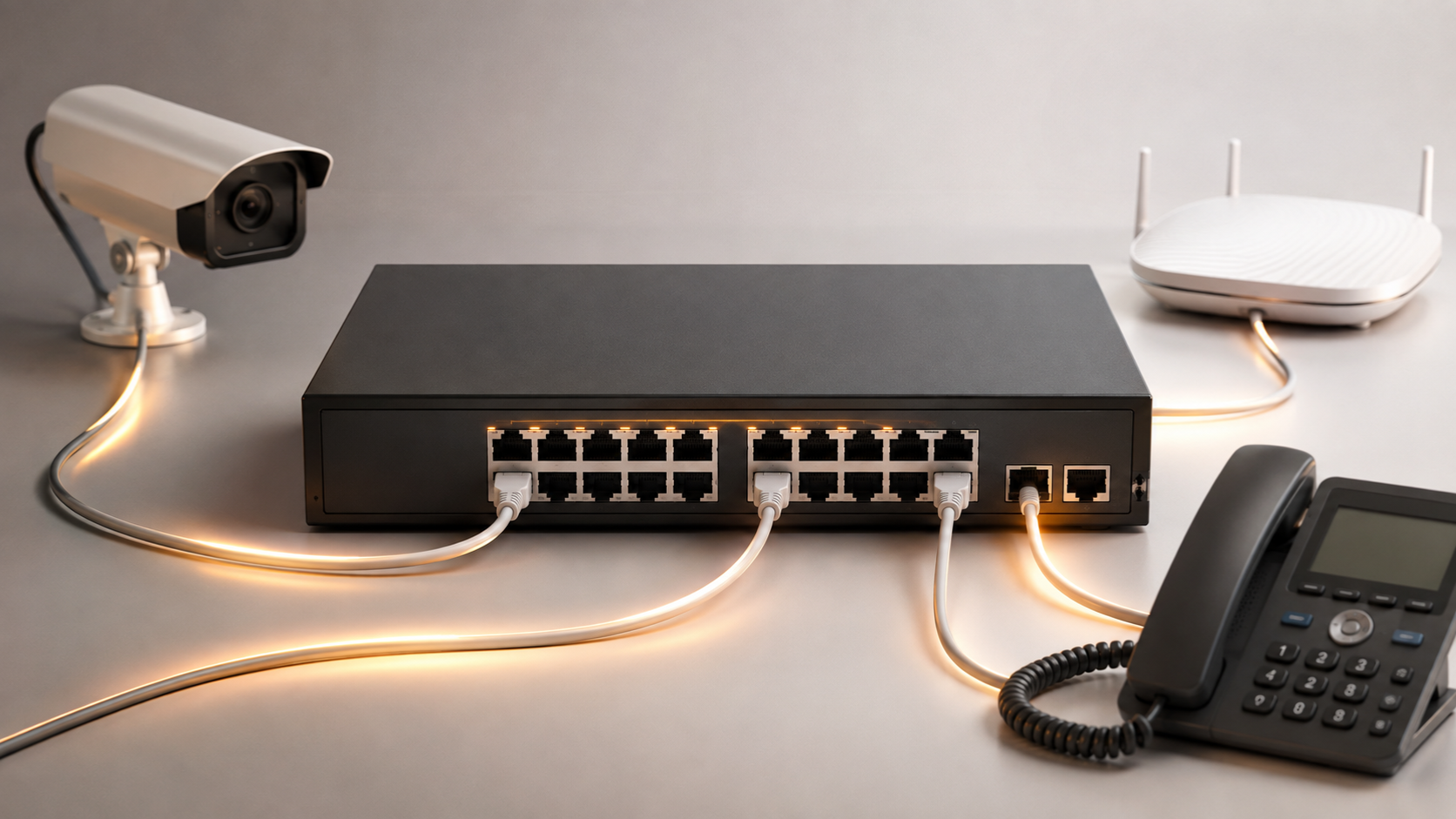
Confused about PoE switch power budget? Here's a simple way to calculate how many cameras or access points your switch can actually run, with real examples.
Here's a scenario that plays out more often than you'd expect: someone buys a 16-port PoE switch, connects sixteen cameras, and finds that the last two or three simply won't power on — or worse, devices start dropping out randomly once night falls and the infrared LEDs kick in. The switch has enough ports. It doesn't have enough power.
This is the single most misunderstood number on a PoE switch's spec sheet, and it's also the one that actually determines whether your installation works reliably. Port count tells you how many devices you can connect. Power budget tells you how many you can actually run at the same time. This guide breaks down exactly how to calculate it, using real numbers so you're not left guessing.
Port Count vs Power Budget: The Difference That Actually Matters
Every PoE switch has two separate numbers, and confusing them is the root of almost every "why isn't my camera getting power" problem:
- Port count — how many devices can physically plug in
- Power budget — the total wattage the switch can deliver across all its PoE ports combined, at the same time
A switch doesn't give every port its full rated power simultaneously by default — it shares a fixed pool of watts across whatever's plugged in. A 16-port switch with a 150W power budget doesn't mean each port gets a guaranteed 150W; it means all 16 ports are drawing from a shared 150W pool. Once that pool runs out, the switch either refuses to power additional devices or starts cutting power to already-connected ones — which is exactly the "random disconnect" problem installers run into.
Step 1: Know How Much Power Your Devices Actually Need
Before you can check anything against a switch's budget, you need to know what you're powering. Here are realistic power draws for common PoE devices:
| Device Type | Typical Power Draw |
|---|---|
| Basic fixed IP camera (no IR/heater) | 4–7W |
| Standard IP camera with infrared night vision | 6–12W |
| PTZ (pan-tilt-zoom) camera | 15–30W |
| PTZ camera with heater (outdoor, cold climates) | 25–40W |
| Basic WiFi access point | 7–12W |
| WiFi 6 access point | 12–20W |
| VoIP phone (basic) | 4–7W |
| VoIP phone with colour display | 8–12W |
Important: always check the actual device's datasheet rather than assuming from this table — these are typical ranges, and a specific camera model's real draw can vary, especially once you factor in infrared LEDs activating at night, which is when many installations that "worked fine" during setup start dropping cameras after dark.
Step 2: Calculate Your Total Power Requirement
The formula is straightforward:
Total Power Needed = (Number of Devices × Power per Device) + Safety Buffer
The safety buffer matters more than people expect. Devices rarely draw their absolute maximum all the time, but they do spike — a camera's infrared LEDs switching on, a PTZ motor engaging, a device rebooting after a power blip. A 20–30% buffer above your calculated total protects against these spikes and leaves room to add a device or two later without buying a new switch.
Worked example: You're installing 6 standard IP cameras with night vision (9W each) and 2 basic WiFi access points (10W each).
Cameras: 6 × 9W = 54W Access Points: 2 × 10W = 20W Subtotal: 74W + 25% buffer: 74W × 1.25 = 92.5W
You'd want a switch with a power budget comfortably above 92.5W — not one rated at exactly 74W or 80W, which leaves no real headroom.
Step 3: Match to a Real Switch — Tenda PoE Switch Power Budgets
Here's where the calculation becomes concrete. Tenda's PoE switch range spans a wide variety of power budgets, so once you know your number from Step 2, you can match it directly:
| Model | Total Ports | PoE Ports | PoE Standard | Total Power Budget |
|---|---|---|---|---|
| S106PC | 6 (100M) | 4 | 802.3af/at | 65W |
| SG106PC | 6 (Gigabit) | 4 | 802.3af/at | 65W |
| S110PC | 10 (100M) | 8 | 802.3af/at | ~78W (check current datasheet) |
| SG110PC | 10 (Gigabit) | 8 | 802.3af/at | ~78W (check current datasheet) |
| TEF1118P-16-150W | 18 (16FE+2GE/1SFP) | 16 | 802.3af/at | 150W |
| TEG1120P-16-250W | 20 (18GE+2SFP) | 16 | 802.3af/at | Up to 230W usable PoE budget, ~30W max per port |
| TEG1128P-24-410W | 28 (26GE+2SFP) | 24 | 802.3af/at | 410W |
Using the worked example above (92.5W needed), the S110PC or SG110PC (8 PoE ports) would be tight — you'd be using most of the available budget with little room to add devices later. Stepping up to the TEF1118P-16-150W gives you the same capacity for your current 8 devices with genuine room to double your camera count over time, which is often the smarter buy for anyone expecting their CCTV or AP coverage to grow.
Note: some Tenda listings show slight naming-vs-spec variations between regions (for example, a "250W" model name alongside a 230W usable PoE figure from a detailed spec sheet) — this is common across PoE switch brands generally, since the model name often reflects the power supply rating rather than the usable PoE budget after switch overhead. Always confirm the exact current PoE budget figure on the specific product page before finalising a purchase, since specifications can be revised between hardware revisions.
Step 4: Check Per-Port Limits Too, Not Just the Total
A switch's total power budget isn't the only number to check — each individual port also has a maximum it can deliver, based on the PoE standard it supports:
- 802.3af (PoE) — up to 15.4W per port (about 12.95W actually reaching the device after cable loss)
- 802.3at (PoE+) — up to 30W per port (about 25.5W delivered)
- 802.3bt (PoE++) — up to 60W or 90W per port depending on type, for high-draw devices like PTZ cameras with heaters
This means a switch can have plenty of total budget remaining, but still fail to power a single high-draw device if that device needs more than the individual port's maximum. Always check both numbers — total budget and per-port maximum — against your actual devices, especially if you're running even one PTZ camera or heated outdoor unit alongside standard cameras.
A Few Things That Catch People Out
Cable length matters more than people think. PoE power degrades slightly over distance due to cable resistance. Runs approaching the 100-metre standard maximum can lose a meaningful percentage of delivered power, especially on lower-quality cable. If you're running long cable lengths, build in extra buffer beyond the standard 20-30% recommendation.
"Total budget" is shared, not per-port guaranteed. This is worth repeating because it's the most common misunderstanding: an 8-port switch with a 78W budget does not mean each port gets 78W — it means 78W total, shared across whichever ports are actively drawing power.
Class-based allocation can overstate real usage. Many switches reserve power based on a device's declared "class" the moment it's detected, rather than what it's actually using in that instant. A camera that realistically draws 9W might get 15.4W reserved against the budget because it identifies as a Class 3 device. This is a normal, safe behaviour — but it means your switch's displayed "remaining budget" may look tighter than your devices' real-world consumption would suggest.
Frequently Asked Questions
What happens if I exceed my PoE switch's power budget?
The switch will typically be unable to power all connected devices simultaneously. This can show up as some ports simply not powering on, or as devices intermittently dropping — particularly under load spikes like infrared LEDs activating at night. It's best to stay comfortably under the total budget rather than running close to the limit.
Does a higher wattage PoE switch cost significantly more?
Generally yes, since higher power budgets require more robust internal power supplies. The better approach is calculating your actual need (Steps 1-2 above) and choosing a switch with reasonable headroom, rather than either underbuying or overspending on capacity you won't use.
Can I power a PTZ camera with any PoE switch?
Only if both the total power budget and the individual port's maximum output can cover the PTZ camera's draw, which is often 25-40W or more, especially with a heater. Standard 802.3af ports (15.4W max) usually aren't sufficient — you'll need 802.3at (PoE+) or 802.3bt (PoE++) support.
How much buffer should I add to my power budget calculation?
20-30% above your calculated total is a reasonable standard buffer, accounting for power spikes (IR LEDs, motors, reboots) and giving room to add a device or two later without needing a new switch.
Do all Tenda PoE switches support both 802.3af and 802.3at devices?
Most of Tenda's PoE switch range, including the S106PC, S110PC, SG-series, TEF, and TEG models, support both 802.3af and 802.3at devices on the same switch — the switch automatically detects which standard each connected device needs. Always verify against the specific model's current spec sheet for exact compliance details.
Is it fine to run a switch right at its maximum power budget?
It's technically possible but not advisable for a stable, long-term installation. Running near the limit leaves no room for power spikes, cable loss, or future device additions, and increases the chance of intermittent drops as conditions change (temperature, time of day, cable degradation).
Getting the power budget right the first time saves you from a switch that "should work" on paper but fails the moment every camera's night mode kicks in together. Explore Tenda's full PoE switch range to match a model's power budget to your actual device count.