PoE Switch Not Working? Common Problems and How to Fix Them
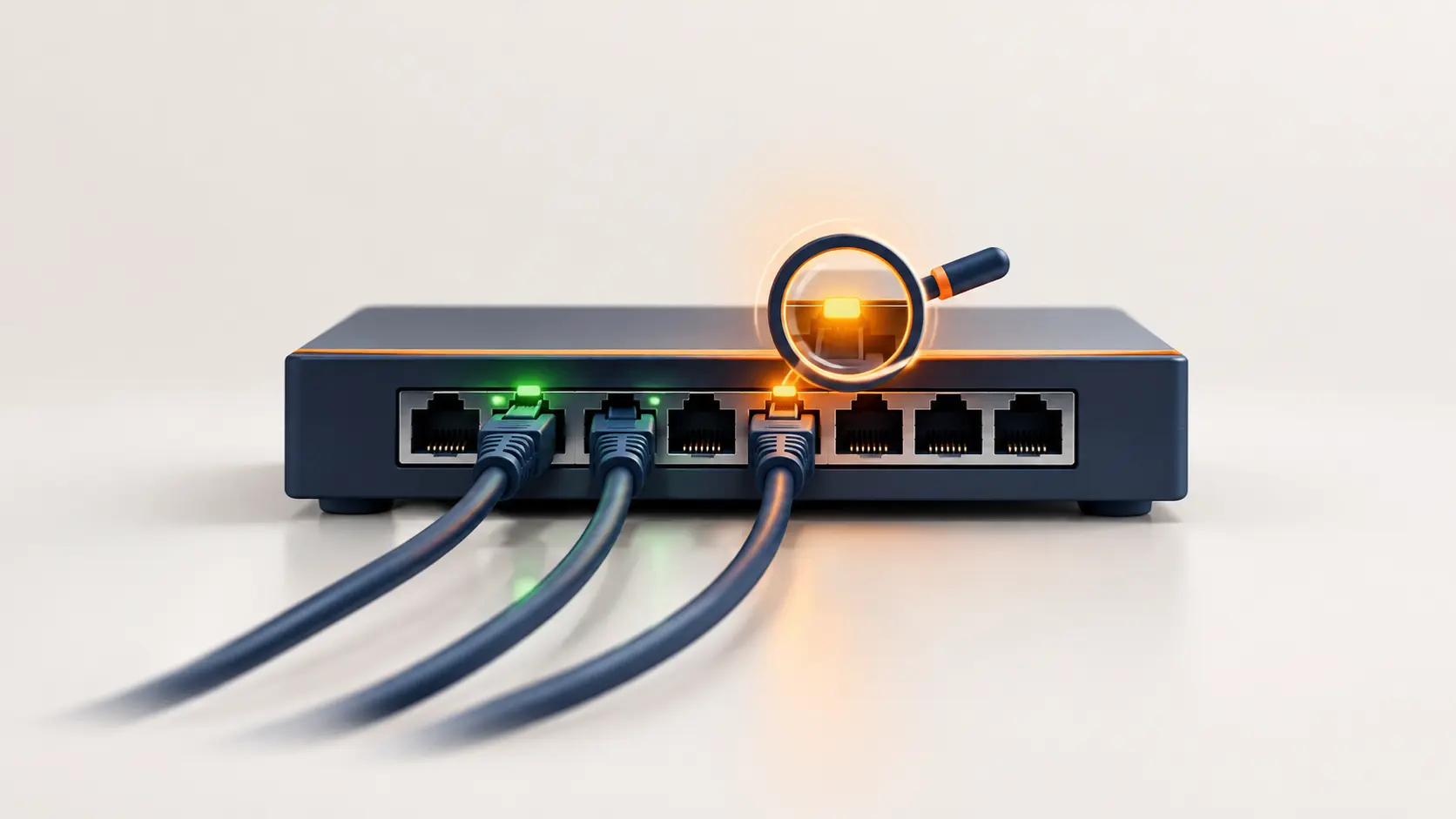
Camera or access point not getting power from your PoE switch? Here are the most common causes and simple fixes, explained without the jargon.
Nothing derails a CCTV install or office network setup faster than plugging in a camera or access point and watching... nothing happen. No light, no power, no connection. Before assuming the device itself is faulty, it's worth knowing that most PoE problems come down to a small, predictable set of causes — and most of them take minutes to check, not hours.
Here's a practical, in-order troubleshooting path for the most common PoE switch problems.
Problem 1: Device Doesn't Power On At All
This is the most common complaint, and it's rarely the device itself. Work through these in order:
Check the port indicator light on the switch. If the PoE port's LED isn't lit at all when the device is connected, that's your first clue — it suggests the switch isn't detecting the device as PoE-compatible, or the port itself isn't functioning.
Try a different port. Move the device to another PoE port on the same switch. If it powers on there, the original port may be faulty or already at its individual power limit.
Try a different cable. A damaged, poor-quality, or incorrectly wired Ethernet cable is a surprisingly common culprit — PoE relies on specific wire pairs to carry power, and cheap or damaged cables can fail at this even while still passing data normally.
Confirm the device is actually PoE-compatible. This sounds obvious, but it's an easy mix-up — check the device's specification sheet or box to confirm it supports PoE and which standard (802.3af, at, or bt) it expects, rather than assuming.
Problem 2: Device Powers On, Then Randomly Loses Power or Reboots
This pattern — working fine, then dropping out unpredictably, sometimes at night or under specific conditions — almost always points to one thing: the switch's total power budget is being exceeded.
Here's why it looks random rather than constant: many devices, especially cameras, draw more power under certain conditions than others. A camera's power draw increases when its infrared LEDs activate at night, or when a PTZ camera's motor engages to pan or zoom. If your switch's total power budget is already close to its limit during the day, that evening spike in demand can push it over, causing a device to lose power or reboot — while working perfectly fine during daylight hours when demand is lower.
The fix: calculate your actual total power requirement, including these peak-demand moments, and compare it against your switch's total power budget. If you're running close to the limit, either reduce the number of connected high-draw devices per switch, or move up to a switch with a larger power budget. Our PoE Power Budget guide walks through this calculation with worked examples.
Problem 3: Device Works But Loses Power Only on Long Cable Runs
PoE power naturally degrades slightly over cable distance due to resistance in the copper wire itself. This becomes a real factor as you approach the 100-metre standard maximum for Ethernet cabling.
What to check:
- Cable quality — lower-quality cable, especially copper-clad aluminium (CCA) rather than pure copper, loses significantly more power over distance than proper Cat5e, Cat6, or Cat6a cable
- Actual cable length — measure the real run, not the straight-line distance, since cables rarely run in perfectly straight paths
- Whether you're near the limit — if you're running cable close to 100 metres, budget extra headroom in your power calculations, since some of the switch's rated output won't fully reach the device
If you genuinely need to run PoE beyond the standard 100-metre limit, some switches (including several in Tenda's range) offer an "extend mode" feature specifically designed for this — worth checking if your installation requires longer runs than standard cabling supports.
Problem 4: A High-Power Device (PTZ Camera, WiFi 6E AP) Won't Fully Function
If a device powers on but certain features don't work — a PTZ camera's heater staying off, for instance, or an access point's radios not all activating — this usually means the device is receiving power, but not enough for its full feature set.
This typically comes down to a PoE standard mismatch: the device needs more power than the port or switch's supported standard can provide. A PoE++ (802.3bt) device connected to a PoE+ (802.3at)-only port may power on in a reduced capacity, since 802.3at caps out at 30W while some high-draw devices need considerably more.
The fix: check your device's actual power requirement against the PoE standard your switch supports on that port. If there's a mismatch, you'll need a switch supporting the higher standard your device actually requires.
Problem 5: Newly Added Device Won't Power On, But Existing Devices Work Fine
If you've been running a stable setup and a newly added device simply won't power on, this is a strong sign your switch's power budget is already fully allocated to your existing devices — there's simply nothing left for the new one.
The fix: check how much of your switch's total power budget is already in use (some switches show this via an app or web interface; on basic unmanaged switches, you may need to calculate it manually from your connected devices' known power draw). If you're at or near the limit, you'll need to either free up budget by removing a device, or move to a switch with a larger power budget.
A Quick Diagnostic Checklist
When something isn't working, run through these in order before assuming the device is faulty:
- Check the port's indicator light
- Try a different port on the same switch
- Try a different Ethernet cable
- Confirm the device is genuinely PoE-compatible and check which standard it needs
- Check your switch's total power budget against everything currently connected
- If it's a long cable run, check cable quality and actual length
- If the device is high-draw (PTZ, WiFi 6E+), confirm the switch supports the required PoE standard
Most PoE problems resolve at steps 1-4. Steps 5-7 cover the less obvious causes that show up more in larger installations or as a network grows over time.
Frequently Asked Questions
Why does my camera work fine during the day but drop off at night?
This is a classic sign of the switch's power budget being exceeded once demand rises — infrared LEDs activating at night increase a camera's power draw, which can push a nearly full power budget over its limit. Check your total connected load against your switch's power budget.
Can a bad Ethernet cable really stop PoE from working even if data still transmits fine?
Yes. PoE power delivery uses specific wire pairs within the cable, and a cable can be damaged or poorly made in a way that affects those specific pairs while still allowing data to pass normally. If a device isn't powering on despite the connection otherwise appearing fine, trying a different cable is a quick, worthwhile check.
My PoE switch shows the port light on, but the camera still isn't getting power. What's wrong?
This can indicate the connected device isn't correctly identifying itself as PoE-compatible during the switch's detection process, a partial cable fault affecting only the power-carrying pairs, or, in rare cases, a fault with the device's own PoE input circuitry. Try the device on a different port and with a different cable first to narrow down the cause.
Is it normal for a PoE switch to feel warm during use?
Some warmth is normal, especially on switches running close to their power budget, since delivering power generates heat. Excessive heat, however, especially alongside performance issues, is worth investigating — check that the switch has adequate ventilation and isn't enclosed in a space that traps heat.
How do I know if my problem is the switch, the cable, or the device itself?
Systematically isolate each variable: try the same device on a different port and cable, and if possible, try a different device on the same original port and cable. Whichever component stays "faulty" across these swaps is your actual problem.
Can I fix a power budget problem without buying a new switch?
If you have flexibility in which devices connect where, splitting your devices across multiple switches (if you have one) can redistribute the load. Otherwise, upgrading to a switch with a larger power budget is typically the most straightforward long-term fix.
Most PoE issues trace back to power budget, cable quality, or a standards mismatch — rarely a genuinely faulty device. Browse Tenda's PoE switch range if it's time to size up to a switch with more headroom for your setup.