PoE vs PoE+ vs PoE++: What's the Actual Difference?
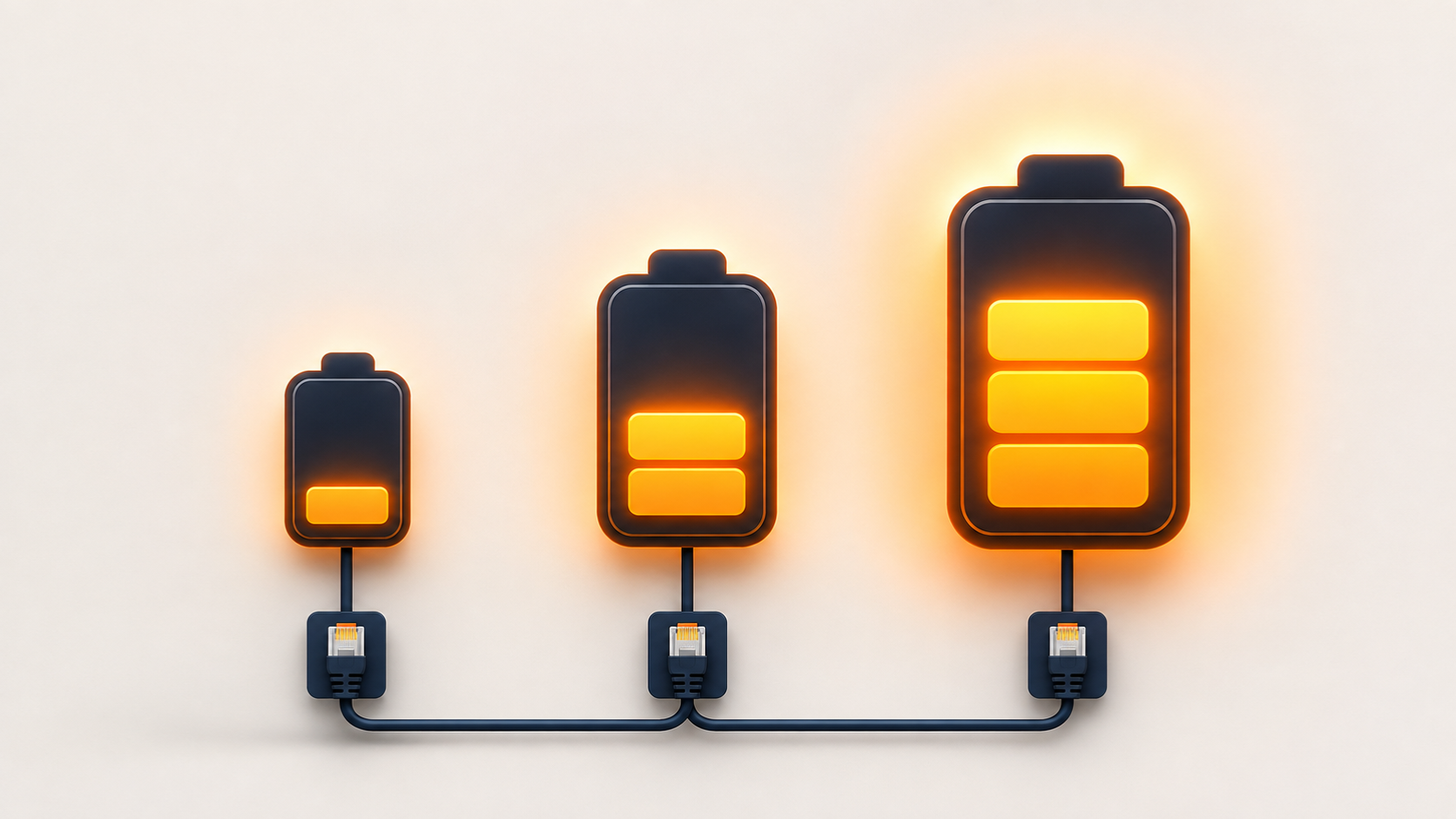
PoE, PoE+, or PoE++? Here's a clear, no-jargon breakdown of 802.3af, 802.3at, and 802.3bt so you can pick the right switch for your devices.
Scroll through any PoE switch listing, and you'll see the same three terms repeated everywhere: PoE, PoE+, PoE++, often followed by cryptic numbers like 802.3af or 802.3bt. If you're not from a networking background, this looks like unnecessary jargon standing between you and a simple purchase decision. It isn't, though — these labels tell you exactly how much power a switch can push to each device, and getting it wrong means either an underpowered camera that won't turn on, or paying more for capacity you'll never use.
Here's what each standard actually means, in plain language, with real examples of what needs which one.
The Three Standards at a Glance
| Standard | Common Name | Power at Switch | Power at Device | Introduced |
|---|---|---|---|---|
| 802.3af | PoE | Up to 15.4W | ~12.95W | 2003 |
| 802.3at | PoE+ | Up to 30W | ~25.5W | 2009 |
| 802.3bt Type 3 | PoE++ | Up to 60W | ~51W | 2018 |
| 802.3bt Type 4 | PoE++ | Up to 90W | ~71.3W | 2018 |
Notice the gap between "power at switch" and "power at device" — this isn't a typo or inefficiency to worry about. Some power is naturally lost in the cable itself, and manufacturers rate the standard by what the switch outputs, while the device you're powering receives a slightly lower, guaranteed minimum. This is a completely normal, expected part of how PoE works, not a defect.
PoE (802.3af): The Original Standard
This is the baseline standard most people mean when they just say "PoE" without qualification. At up to 15.4W from the switch, it comfortably covers:
- Basic VoIP desk phones
- Fixed indoor IP cameras without infrared night vision
- Older or single-radio WiFi access points
- Simple sensors and access control readers
If your devices are straightforward and don't have power-hungry extras like infrared LEDs, heaters, or motorised parts, standard PoE (802.3af) is usually all you need — and switches supporting only this standard are typically the most affordable in a PoE lineup.
PoE+ (802.3at): The Common Middle Ground
Doubling the available power to up to 30W, PoE+ has become the practical default for most modern installations, because so many current devices sit right in this power range:
- IP cameras with infrared night vision or motorised zoom lenses
- Modern dual-band WiFi 5 and WiFi 6 access points
- Video conferencing endpoints and better-equipped VoIP phones with colour displays
If you're buying a PoE switch today without a specific reason to go higher or lower, PoE+ (802.3at) is the sensible general-purpose choice — most standard IP cameras and access points sold today are designed around this power tier.
PoE++ (802.3bt): For Genuinely Demanding Devices
PoE++ comes in two tiers — Type 3 (up to 60W) and Type 4 (up to 90W) — and exists for devices that draw meaningfully more power than a typical camera or access point:
- PTZ (pan-tilt-zoom) cameras, especially with built-in heaters for outdoor cold-weather use
- WiFi 6E and WiFi 7 access points with multiple radios
- Video displays, digital signage, and even some laptop docking stations that pass power, video, and data over a single Ethernet cable
Unless you know you have one of these higher-draw device types, you likely don't need PoE++ — it's aimed at genuinely demanding equipment, not standard cameras or access points.
How to Actually Decide Which One You Need
The standard your switch needs to support is determined entirely by your highest-draw device, not your typical one. If you're connecting nine basic cameras and one PTZ camera with a heater, your switch needs to support that one PTZ camera's requirement — the nine basic cameras won't be the limiting factor.
A simple three-step check:
- List your devices and check each one's power requirement from its datasheet or box (don't guess)
- Identify your highest-draw device — this determines the minimum PoE standard your switch needs to support
- Choose a switch supporting that standard or higher — remembering that newer standards are backward-compatible, so a PoE++ switch works fine with older PoE and PoE+ devices too
Backward Compatibility: What You Need to Know
Higher-numbered standards are backward-compatible with lower ones. A PoE++ (802.3bt) switch will correctly detect and power an older 802.3af device at the lower power level it actually needs — you don't need matching standards across every device on the same switch. This is genuinely useful in mixed installations, where you might have a few older cameras alongside newer, more power-hungry access points.
What doesn't work the other way: a high-power device generally cannot be forced to run on a lower-standard port. A PoE++ PTZ camera with a heater will not function properly, or may only partially work (heater disabled, for instance), if connected to a basic 802.3af-only port that simply can't supply enough power.
Tenda's PoE Switch Range by Standard
Most of Tenda's PoE switch lineup — including the S106PC, S110PC, SG106PC, SG110PC, TEF1118P, TEG1120P, and TEG1128P — supports 802.3af and 802.3at (PoE and PoE+), which comfortably covers the vast majority of home, small office, and standard CCTV installations. If your setup includes genuinely high-draw devices like heated PTZ cameras, it's worth checking the specific model's supported standard against your device's exact requirement before buying, since not every model in a PoE lineup necessarily supports the full 802.3bt range.
Frequently Asked Questions
Do I need PoE++ for a basic home CCTV setup?
Almost certainly not. Standard fixed IP cameras with night vision typically fall well within PoE+ (802.3at) requirements. PoE++ is intended for higher-draw devices like heated PTZ cameras or WiFi 6E/7 access points, which most home setups don't include.
What happens if I connect a PoE+ device to a switch that only supports PoE (802.3af)?
The device likely won't receive enough power to function correctly. Depending on the device, it may not power on at all, or may run with reduced functionality (for example, a camera powering on but its infrared LEDs not working). Always match your switch's standard to your highest-draw device's actual requirement.
Is a PoE++ switch overkill if I only need PoE+?
Not necessarily overkill, since PoE++ switches are backward-compatible with lower-power devices — but they typically cost more, so buying PoE++ capacity you don't need means paying for headroom that won't be used. Match your purchase to your actual devices' requirements.
How do I find out what PoE standard my camera or access point needs?
Check the device's datasheet, box, or manufacturer's product page — it should state its power requirement in watts and often references the specific IEEE standard (802.3af, 802.3at, or 802.3bt) it's compliant with.
Can I mix PoE, PoE+, and PoE++ devices on the same switch?
Yes, as long as the switch supports the highest standard among your devices. The switch negotiates power individually per port based on each connected device's declared requirement, so different devices on the same switch can draw different amounts of power simultaneously.
Does a higher PoE standard mean faster network speed?
No — PoE standards (af/at/bt) relate purely to power delivery, not data speed. Network speed depends on separate factors like whether the switch is Fast Ethernet (100Mbps) or Gigabit (1000Mbps). A switch can be Gigabit speed with only basic PoE support, or 100Mbps with full PoE++ support — check both specifications separately.
Matching the right PoE standard to your actual devices — not the highest number on the box — avoids both underpowered equipment and unnecessary spending. Browse Tenda's PoE switch range to find a model that supports the standard your devices need.