Access Point Guide: Best Types, Features & Buying Tips
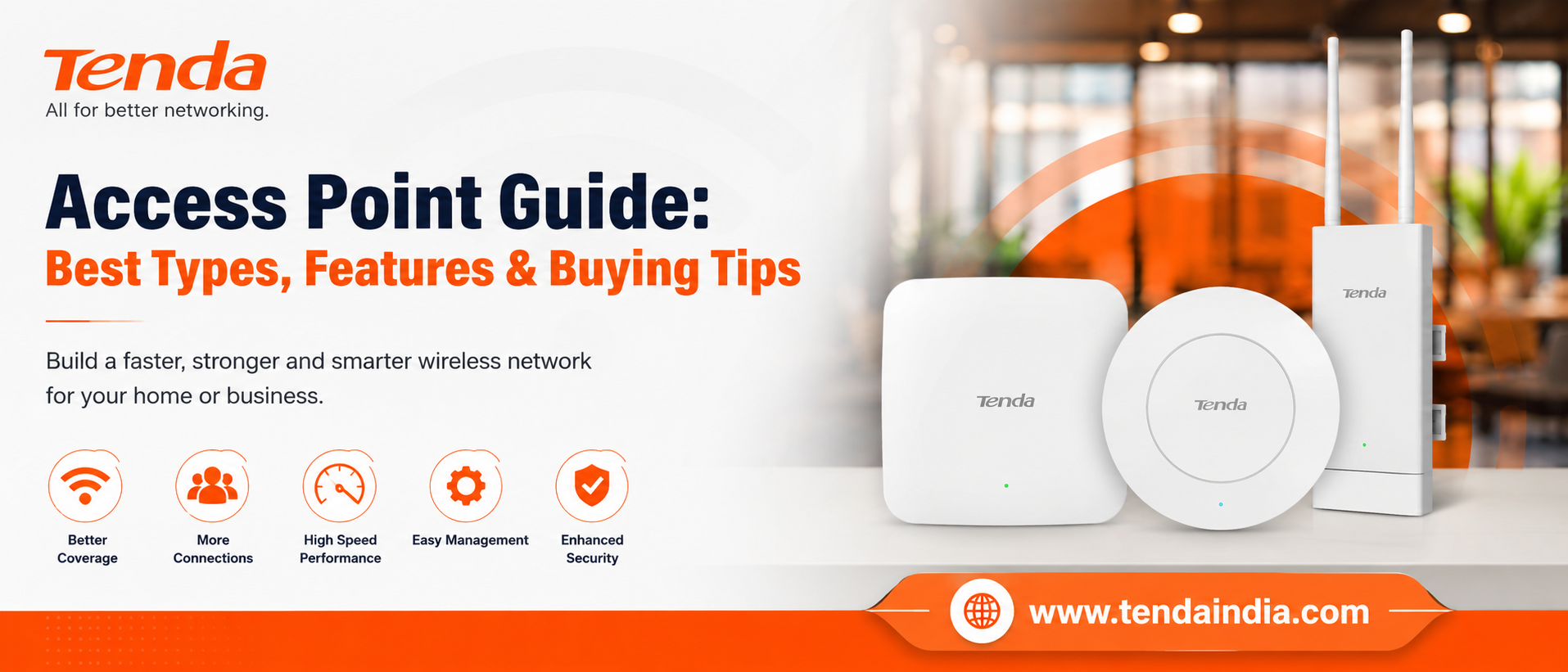
Choosing an access point? Compare the types, must-have features, and expert buying tips to find the best fit for your home, office, or business network.
Walk to the far corner of a large home, a multi-floor office, or a warehouse, and the WiFi signal on a phone often starts to fade. The router hasn't stopped working — the signal has simply run out of reach. This is one of the most common networking frustrations in growing homes and workplaces, and it's exactly the problem an access point is designed to solve.
This guide explains what an access point actually does, how it differs from a router, the different types available, and the features that separate an ordinary access point from the best fit for a specific space.
What Is an Access Point?
An access point — often shortened to AP, or called a WAP for "wireless access point" — is a networking device that connects to an existing wired network and broadcasts that connection wirelessly. Instead of relying on a single router to cover an entire home or building, an access point plugs into the network, usually through an Ethernet cable, and adds WiFi coverage exactly where it's needed.
Think of it as a dedicated WiFi broadcasting point wired directly into a network that already exists, rather than a device that builds a network from scratch.
How Does an Access Point Work?
An access point connects to a router or network switch using a wired Ethernet connection. Once connected, it takes that wired signal and converts it into radio waves that Wi-Fi-enabled devices — laptops, phones, tablets, smart TVs, and other connected gadgets — can pick up over the 2.4GHz or 5GHz bands.
Any device that joins the access point's network name (SSID) is bridged back into the wired network, and from there, out to the internet. Most modern access points, including Tenda's entire lineup, also support Power over Ethernet (PoE), which lets a single cable carry both data and electrical power. That's especially useful for ceiling or outdoor installations, where running a separate power line isn't always practical.
Access Point vs. Router vs. Extender
These three terms get mixed up constantly, so it's worth being precise about what each one actually does.
A router is typically the device that connects a home or office to the internet, assigns network addresses to devices, and often handles firewall and traffic management duties, along with a built-in wireless radio. An access point does something narrower: it takes an existing wired connection and turns it into a wireless one, without managing the internet connection, address assignment, or firewall duties a router handles.
A WiFi extender, or repeater, rebroadcasts an existing wireless signal rather than connecting to the network by cable. This is a quick fix for small dead zones, but because it relays a signal wirelessly instead of over a wired connection, speed typically drops the farther it sits from the original source.
| Device | Manages Internet & Addresses? | Connects Via | Best For |
|---|---|---|---|
| Router | Yes | Wired (to modem/ISP) | Core network management |
| Access Point | No | Wired (Ethernet) | Adding WiFi to an existing wired network |
| Extender / Repeater | No | Wireless | Small, quick coverage fixes |
In a small home with a handful of devices, a router's built-in radio is often enough on its own. Once a space grows — more rooms, more floors, thicker walls, or simply more connected devices than one radio can comfortably serve — that's when adding one or more access points to the existing wired network starts to make a noticeable difference, without needing to replace the router itself.
For a deeper comparison including where a WiFi extender fits in, see our WiFi Dead Zones guide.
Types of Access Points: Which One Fits Which Space
Indoor ceiling-mount access points are built for placement inside homes, offices, and retail spaces, mounted overhead so signal spreads evenly across a room rather than radiating from one desk-level point. This matters in open-plan offices, hotel corridors, and classrooms, where even coverage across a whole floor counts for more than raw strength in one corner. Tenda's I24 (AC1200 Wave 2, covering up to roughly 3200 sq ft) is built for this use case, while the I26 (AX1500 WiFi 6) and I29 (AX3000 WiFi 6, long-range) step up to WiFi 6 efficiency for busier spaces with many simultaneous devices.
In-wall access points sit flush in a wall plate rather than on the ceiling, suited to hotel rooms, apartments, and villas where a discreet, room-by-room installation matters aesthetically. Tenda's W12 (AC1200, Gigabit) is designed specifically for this — hospitality properties, large apartments, and multi-room villas where each room benefits from its own dedicated access point.
Outdoor access points are built with weatherproof housings to handle sun, rain, and temperature swings. These are common in gardens, courtyards, parking areas, and compounds — anywhere a standard indoor unit wouldn't hold up to long-term outdoor exposure. Tenda's OAP1200 covers this segment, supporting both indoor and outdoor installation.
Standalone versus controller-based access points describes how units are managed. A standalone, or autonomous, access point is configured on its own, which works well for a single unit or two. A controller-based, centrally managed access point can be monitored and adjusted alongside every other access point on the same network from one dashboard — genuinely useful once a site runs more than two or three units together. Tenda's I-series ceiling APs support this kind of centralised management through Tenda's cloud controller platform, which matters for offices or hospitality properties running multiple units.
Top Features to Look for in an Access Point
Not every access point needs every feature on this list — the right combination depends on the space.
- WiFi standard: Newer standards (like WiFi 6 on the I26 and I29) handle more simultaneous devices with less slowdown, though AC1200 (WiFi 5) hardware like the I24 or W12 is often still sufficient for a smaller number of devices.
- Dual-band support: Running both 2.4GHz and 5GHz bands lets slower, longer-range traffic and faster, shorter-range traffic share the load instead of competing on one frequency.
- Device capacity: How many simultaneous connections a unit is rated to handle comfortably matters far more in busy offices or classrooms than it does in a typical home.
- Power over Ethernet (PoE) support: A single cable carrying both data and power is especially useful for ceiling or outdoor mounting, where a nearby power socket may not exist. All of Tenda's access points support PoE.
- Centralised or cloud-based management: The ability to monitor and adjust every access point on a network from one place becomes genuinely useful once a site runs more than two or three units together.
- Security features: Look for modern encryption standards and the option to run an isolated guest network.
- Build quality: For outdoor placement, check that the housing is rated to handle the local climate and exposure it will actually face.
Which Access Point Fits Your Situation?
For Home Use: A single ceiling or in-wall access point is usually enough for most homes needing to close one or two dead zones. The I24 suits a straightforward home setup needing solid AC1200 coverage, while the W12 is a better fit if you want a discreet in-wall unit for a specific room rather than a ceiling-mounted one.
For Small Businesses and Offices: A WiFi 6 access point with PoE support and centralised management, like the I26, tends to be the better fit for office environments once a team grows beyond a single room. Guest network isolation is worth prioritising here, and centralised management becomes valuable as soon as more than one unit is involved.
For Hospitality and Multi-Room Properties: The W12's in-wall design suits hotel rooms, villas, and large apartments where a discreet, room-by-room access point matters aesthetically as much as it does for coverage.
For Larger Offices and High-Density Spaces: The I29 (AX3000, long-range, WiFi 6) is built for larger areas with higher device density — bigger offices, retail floors, or spaces where many devices connect simultaneously and centralised management across several units matters.
For Outdoor, Garden, or Compound Coverage: The OAP1200 is designed for exactly this — extending coverage to outdoor areas that a standard indoor access point isn't built to handle.
How to Set Up an Access Point
- Connect it to the existing network using an Ethernet cable, ideally through a PoE-capable switch so it draws power from the same cable.
- Access the unit's configuration page, usually through a browser or a companion app, to set the network name and password.
- Decide whether it should broadcast a separate WiFi name or extend the same network name already in use, so devices roam between access points without needing to reconnect manually.
- Position the unit thoughtfully. Line of sight, metal surfaces, and large appliances all reduce range, so placement affects real-world performance as much as the hardware specs do.
- Test coverage from the areas that previously had the weakest signal, and adjust placement if a dead zone remains.
For a full walkthrough, see our PoE switch and access point setup guidance.
Common Mistakes to Avoid
- Hiding the unit inside a cabinet or closet. Enclosed spaces block signal significantly, even from a well-rated access point.
- Skipping firmware updates. These often include both security patches and real performance improvements.
- Ignoring channel congestion. In dense buildings, overlapping channels from neighbouring networks can slow things down noticeably.
- Using a weak admin password. This is one of the most overlooked security gaps in home and small-office networks.
- Assuming more units always means better coverage. Poorly placed access points can interfere with each other; thoughtful placement usually beats sheer quantity.
Frequently Asked Questions
What is an access point used for? It extends WiFi coverage to a specific area by connecting that area to an existing wired network, without needing a full separate router.
What's the difference between an access point and a router? A router manages the internet connection and assigns addresses to devices on the network. An access point simply adds a wireless signal to a connection that already exists, rather than managing the connection itself.
Is an access point better than a router? Not exactly — they're built for different jobs rather than being direct competitors. A router is required to manage the internet connection itself, while an access point is added on top of an existing network specifically to extend wireless coverage. Most growing homes and offices end up using both together rather than choosing one over the other.
How is a WiFi extender different from an access point? A WiFi extender rebroadcasts an existing wireless signal, which usually reduces speed at greater distances. An access point connects directly to the wired network, so it keeps a full-strength signal regardless of how far it sits from the router.
Can an access point replace a router completely? Not on its own. Since it doesn't manage the internet connection or assign addresses, a router still needs to be part of the network somewhere.
Does an access point need a wired connection to work? Yes, in almost all setups. It connects to the existing network through an Ethernet cable, which is what allows it to broadcast a full-strength signal from that location.
Is professional installation required? Basic setup is usually straightforward without help. Larger sites running several access points together, especially with centralised management, often benefit from professional installation to get placement and configuration right the first time.
Conclusion
An access point solves a specific, common problem: wireless coverage that a single router can no longer reach on its own. The right access point for any space isn't necessarily the newest or most expensive option — it's the one whose type, features, and capacity actually match the size of the space and the number of devices using it.
Whether the goal is closing a dead zone in a spare room or covering a multi-floor office reliably, Tenda's access point range — from the AC1200 I24 and W12 to the WiFi 6 I26 and I29, and the outdoor-ready OAP1200 — covers the full range of spaces and budgets.