Best Network Switch for Small Office or Home Office in India
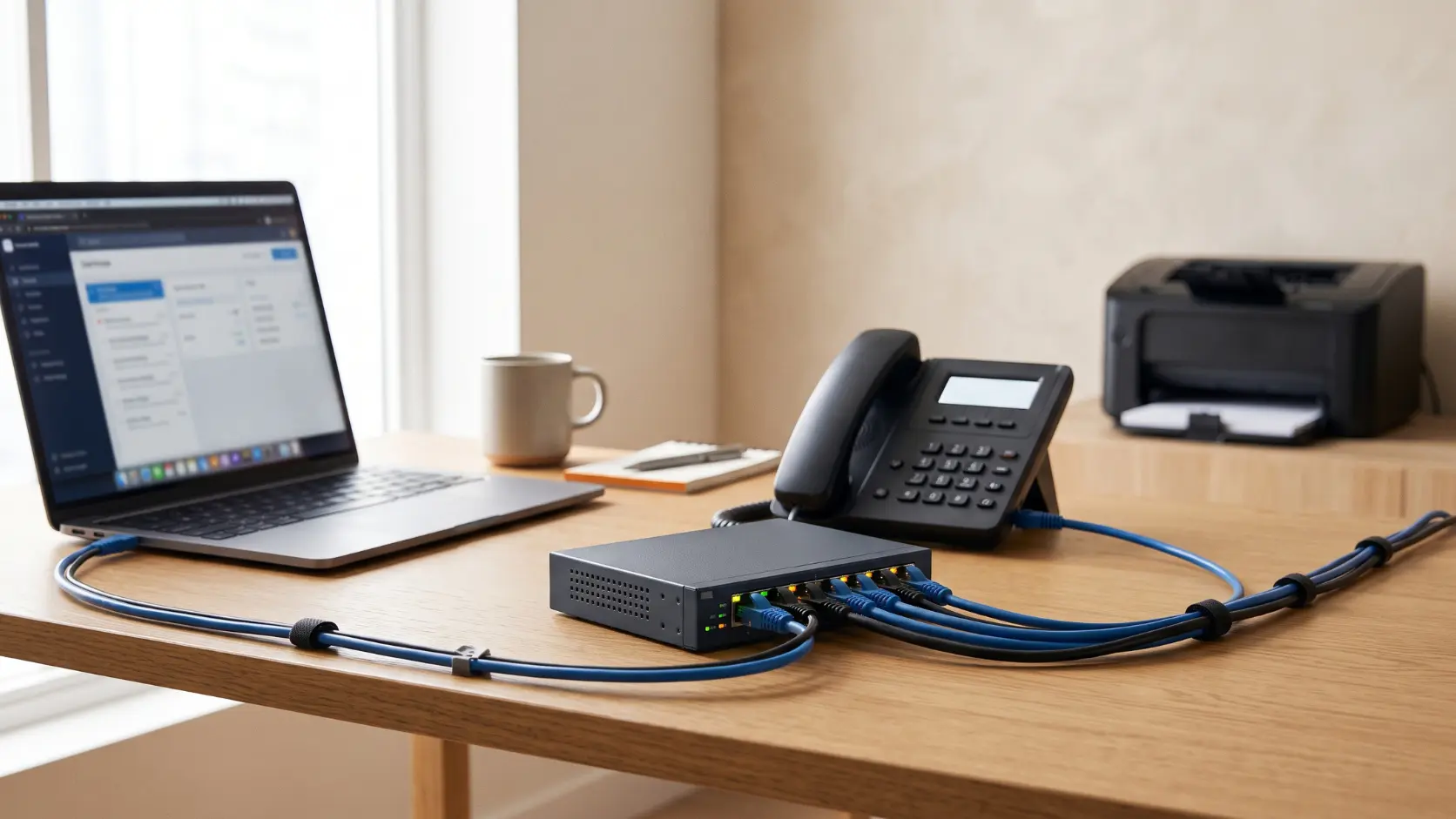
Setting up a SOHO network? Here's how to pick the right switch for your office size, device count, and budget, with real Tenda models matched to each.
A small office or home office (SOHO) network has genuinely different needs from either a large home or a full enterprise deployment — usually somewhere between 5 and 30 wired devices, a mix of computers, printers, maybe a few cameras or VoIP phones, and rarely a dedicated IT person managing it day to day. That combination points toward a fairly specific set of switches, and picking correctly means balancing port count, speed, and how much configuration you're actually willing to deal with.
Here's how to land on the right one.
Start With Device Count, Not Ambition
Count every device that needs a wired connection right now: desktops, a printer, a NAS drive, any VoIP phones, network cameras. Add what you're realistically likely to add within the next year — a second desk, an additional camera. This number, not how "serious" your business feels, should drive your port count decision.
5-8 devices → An 8-port switch, like the Tenda S108 (Fast Ethernet) or SG108M (Gigabit), covers most single-room home offices and very small businesses comfortably.
10-15 devices → A 16-port switch like the TEG1016D gives genuine room for a growing office without immediately maxing out capacity.
15-25 devices → A 24-port switch like the TEG1024D suits an established small business with multiple desks, shared printers, and a handful of network devices.
Our full port-count comparison covers this decision in more depth if your office sits right on the boundary between two sizes.
Fast Ethernet or Gigabit — Check Your Internet Plan First
If your office broadband plan is 100 Mbps or below, a Fast Ethernet switch (S105, S108) won't bottleneck anything — your internet plan is already the limiting factor. If your plan is above 100 Mbps, or you regularly move large files between office computers and a shared NAS drive, Gigabit (SG105M, SG108M, or any TEG-series model) is worth the modest price step up. See our Gigabit vs Fast Ethernet guide for the fuller breakdown.
For most SOHO setups in 2026, with India's broadband speeds having risen substantially, Gigabit is increasingly the sensible default rather than an optional upgrade.
Do You Need Managed, or Is Unmanaged Genuinely Enough?
This is the question that trips up more SOHO buyers than port count or speed. The honest answer: most small offices and home offices don't need a managed switch. If you don't have guest WiFi, IP cameras, VoIP phones, or IoT devices you specifically want isolated from your main systems, an unmanaged switch handles everything you need with zero configuration.
You likely do want a managed switch — specifically the TEG3328F (Layer 2) or TEG5328F (Layer 3) — if:
- You offer guest WiFi to clients or visitors and want it isolated from your business systems
- You run CCTV cameras and want them on a separate, contained network segment
- You have VoIP phones and want to protect call quality from other network traffic
- You handle any sensitive data (financial, client records) and want genuine network segmentation, not just a single flat network
Our VLAN explained guide walks through exactly which businesses benefit from this and why.
Three Common SOHO Scenarios
Scenario 1: A single-room home office. One desktop, a printer, maybe a VoIP phone. An 8-port unmanaged switch (S108 or SG108M, matched to your internet plan speed) is genuinely all you need.
Scenario 2: A small business with 10-15 employees, no cameras or guest WiFi. A 16-port unmanaged switch (TEG1016D) covers this comfortably, with room to add a few more desks before needing to upgrade.
Scenario 3: A retail shop or small office with CCTV and customer WiFi. This is where a managed switch earns its place — the TEG3328F lets you keep customer WiFi, your CCTV cameras, and your point-of-sale or business systems on separate, isolated segments, protecting each from problems on the others.
What You're Actually Paying For at Each Tier
- Unmanaged, Fast Ethernet (S105, S108): The most affordable tier, appropriate when your internet plan and device needs are both modest
- Unmanaged, Gigabit (SG105M, SG108M, TEG1016D, TEG1024D, TEG1050F): A moderate step up in cost for meaningfully more headroom and speed, appropriate for most growing SOHO setups
- Managed (TEG3328F, TEG5328F): The highest tier, justified specifically by a genuine need for network segmentation, traffic prioritisation, or centralised device monitoring — not simply because a business "sounds like it should have one"
Frequently Asked Questions
Do I need a managed switch just because I run a business, not a home network?
No — the need for a managed switch comes from specific requirements (guest WiFi, CCTV isolation, VoIP prioritisation), not from being a business rather than a home. Plenty of small businesses run perfectly well on unmanaged switches.
What's the most common switch size for a small office in India?
An 8-port switch is a common starting point for small offices and home offices, with growing businesses often stepping up to 16-port switches within a couple of years as device counts increase.
Should I buy a bigger switch than I need now to save money long-term?
Some headroom is sensible — one size category above your exact current count avoids an awkward near-term upgrade. Buying dramatically more capacity than a realistic 2-3 year outlook justifies usually isn't the better financial choice, since networking hardware continues to improve and prices often become more favourable over time.
Can I start with an unmanaged switch and upgrade to managed later?
Yes, this is a completely reasonable approach. Many small businesses start with unmanaged hardware and move to managed switches specifically once they add features (guest WiFi, cameras) that genuinely benefit from segmentation.
Is Gigabit worth it for a small office on a 50 Mbps internet plan?
For internet browsing specifically, not much — your 50 Mbps plan is the limiting factor either way. Gigabit still helps for local file transfers between office devices (backups, shared drives), so it depends on how much of that internal traffic your office actually generates.
What's the single most common mistake SOHO buyers make when choosing a switch?
Buying based on price alone without checking whether Fast Ethernet or Gigabit actually matches their internet plan, or buying a managed switch's features without a genuine need for them — both lead to either a bottlenecked network or unnecessary spend.
The right switch for your office comes down to your actual device count, internet plan, and whether you genuinely need network segmentation — not the most impressive-looking spec sheet. Browse Tenda's full network switch range to find the right fit for your business.