Outdoor CPE Not Connecting or Dropping? Causes and Fixes
Outdoor CPE won't pair, shows weak signal or keeps dropping? Read the LEDs, check alignment, interference, power and weather, with fixes step by step.
A wireless link between two buildings feels like magic when it works, and like a mystery when it doesn't. The good news is that outdoor CPE problems fall into a short list of causes, and most of them can be found without a laptop or any networking knowledge, just by reading the lights and checking things in the right order.
This guide goes symptom by symptom. It's written around Tenda's outdoor CPE range (O1, O1-5G, O3, OS3, O6, O8 and O9), using the behaviour described in Tenda's own installation guides. Where models differ, check your unit's manual.
Before Anything Else: Read the Lights
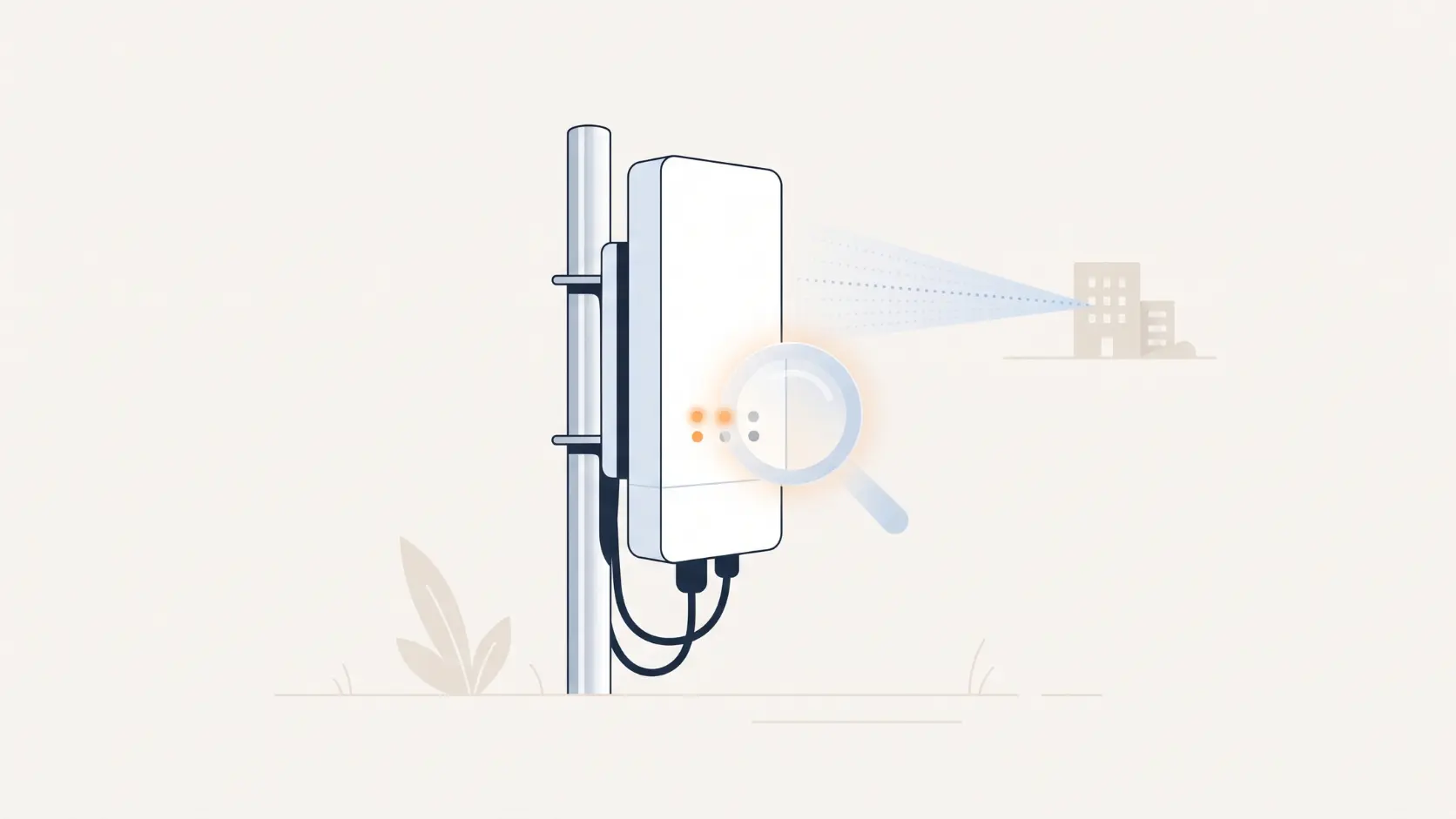
Tenda's outdoor CPEs have a power/PoE-LAN light and three signal lights (LED1, LED2 and LED3). Together they tell you most of the story.
| What you see | What it usually means |
|---|---|
| Power or PoE/LAN light off | No power reaching the unit. Check the injector, the cable and the wall socket first |
| LED1, LED2 and LED3 all on | Strong signal |
| LED1 and LED2 on, LED3 off | Fair signal |
| Only LED1 on | Poor signal |
| LEDs blinking on one unit while the other has them solid | Normal after a successful bridge on the models whose guides we checked (OS3, O6), with the transmitting end solid and the receiving end blinking |
| All three LEDs off after bridging | Weak or no signal from the other unit, or a configuration problem |
On the OS3, for example, the three signal lights correspond to received signal strengths of about -90, -80 and -70 dBm by default. In plain terms, more lights means a healthier link. Your model's manual has the exact behaviour, so use this table as a guide and not a promise.
One more step worth doing early: if a link is misbehaving, bring both units indoors, power them side by side a couple of metres apart, and see whether they bridge cleanly. If they do, the units are fine and the problem is out in the field: the path, the alignment, the cable or the power. This single test saves more time than any other.
Problem 1: The Two Units Won't Pair at All
Likely causes and fixes
- They're not in factory settings. Automatic bridging only works when the units are in their factory state, and in the Tenda guides it completes in under a minute after both units power on. If either unit was configured before, reset it first.
- They weren't powered on together, or aren't close enough to find each other. Power both on at the same time, close together, for the first bridge. Then take them to site.
- A bad injector, cable or socket. If a unit's power light is off, it's not getting power, and nothing else matters until it is.
- Adding extra units to a point-to-multipoint setup. The OS3 guide says the remaining units should be powered on within 30 minutes after the first pair bridges. Any that miss the window should be reset and tried again.
How to reset: after the unit has finished starting up, hold the reset button for about 8 seconds and release it when all the lights come on. You can also reset from the web page (Tools, then Maintenance, then reset to factory). A reset erases all your settings, so note anything you've customised before you do it.
Problem 2: They Pair, but the Signal Is Weak
If you're stuck on one light, the link is up but marginal, and marginal links drop at the first bit of bad weather or interference.
Check, in this order:
- Alignment. These antennas are directional, and small movements make a big difference. Re-aim slowly, one end at a time, pausing after each change so the lights can settle.
- Height and clearance. Raise the unit above anything close to the path. Remember that the signal needs a clear zone around the straight line, not just the line itself. Our installation guide explains how to judge this.
- New obstructions. A link that was fine in summer can weaken once trees put on monsoon growth, or after someone builds a floor, a shed or a hoarding in the path.
- Distance. If your path is close to the model's rated range, there's no margin for bad conditions. Consider a model with more headroom. Our range comparison shows the options.
Problem 3: The Link Works, Then Drops at Certain Times
A link that's fine in the morning and flaky in the evening is almost always interference, not hardware.
The 2.4GHz band (used by the O1 and O3) is shared with home routers, neighbours' WiFi and plenty of other gadgets, and the load changes through the day. The 5GHz band (O1-5G, OS3, O6, O8, O9) is generally much cleaner, though it needs a cleaner path.
What to try:
- Change the wireless channel in the unit's settings to a quieter one. Some models include a signal scan in the web interface that shows nearby networks, which makes this much easier. The O1's datasheet lists one.
- Use a narrower channel width if your model offers a choice. Narrower channels are more resilient to interference, though slower. The O3, for example, offers 20 or 40MHz.
- Move to 5GHz if you're on 2.4GHz and the area is crowded. In practice that means moving from an O1 to an O1-5G, or an O3 to an OS3.
- Test at the bad time of day. If drops happen at 7 pm, check the link at 7 pm, not at noon.
Problem 4: It Drops After Rain or a Storm
Heavy rain by itself rarely affects links at these frequencies and distances. What it often does is expose problems that were already there.
- Water in the connector. Check the Ethernet connection at the unit. Make sure there's a downward drip loop in the cable just before it, and that the connector is properly seated and protected.
- A loose mount. Wind can nudge a poorly secured unit just far enough to knock the alignment off. Re-check the aim and tighten the mount.
- Lightning or surge damage. Most of Tenda's outdoor units list built-in surge protection, but that's a backup, not a substitute for proper earthing. If the power light is dead after a storm, test the injector and the wall socket as well as the unit.
- Wet foliage. Leaves holding water absorb more signal than dry ones, so a marginal path through trees gets worse in the rain.
Problem 5: Random Reboots or Power Trouble
If the unit restarts on its own, or the lights flicker, suspect power before anything else.
- Use the injector that came with that exact unit. Different Tenda models and hardware versions use different passive PoE voltages, so injectors are not interchangeable. A mismatched or underpowered one can cause resets or damage.
- Mind the cable length. Several models list a passive PoE reach of up to about 60 metres, so a long run may leave the unit short of power.
- Check the cable and connectors. A damaged or poorly crimped cable can pass data but fail on power. Try a known-good cable.
- Consider power cuts. If the link drops whenever the power goes at either end, a small UPS at each end is the fix.
Problem 6: You Can't Open the Settings Page
This is the most common "it's broken" scare, and it's usually just an addressing issue.
- The default address on the models we checked is 192.168.2.1, with the username admin and password admin. On a bridged pair, the unit in client mode takes 192.168.2.2.
- Connect your computer directly to the unit and give the computer a fixed address in the same range, such as 192.168.2.10, rather than letting it pick one automatically.
- If several units are on the same network, give each its own unique address, because duplicate addresses cause login failures.
- Once you're in, change the default password straight away. The default is publicly known, and an outdoor device is a poor place to leave it.
If you've forgotten a changed password or address, a factory reset puts everything back to those defaults.
Problem 7: The Link Is Up, but Nothing Works at the Far End
If the lights say the link is healthy but the internet or cameras don't work, the wireless part is probably fine, and the issue is in the network on either side.
- Check DHCP. When two units bridge automatically, their own DHCP servers are switched off, so the far-end devices need to get addresses from your main router. Make sure the router is handing them out.
- Check the far-end switch and cables. Cameras and access points at the remote site depend on that local switch and its power. See our PoE switch troubleshooting guide if cameras aren't powering up.
- Ping from each end. A simple ping to the router and to a device at the far end tells you quickly which side the problem is on. Some Tenda units include ping and traceroute tools in their web interface.
- Look for address clashes. Two devices with the same address will cause strange, intermittent behaviour.
Problem 8: It's Connected but Slow
- The link is overloaded. Cameras and heavy users add up, and night-time infrared pushes camera bitrates higher. Our CCTV backhaul guide shows how to work out the load.
- Alignment or interference. Both lower the real speed even when the link stays up. Go back to Problems 2 and 3.
- A Fast Ethernet limit somewhere. Some models and devices cap at 100Mbps on the wired side. That's fine for most uses, but it's worth knowing.
Quick Diagnosis Table
| Symptom | Start here |
|---|---|
| No lights at all | Power: injector, cable, socket |
| Won't pair | Reset both units, power them together, bench-test |
| One light only | Alignment, height, obstruction |
| Drops at the same time each day | Interference: change channel or band |
| Drops after rain or wind | Connector, mount, earthing |
| Reboots randomly | Wrong injector, long cable, power cuts |
| Can't open settings | Address 192.168.2.1, fixed IP on your computer |
| Link up but no internet | DHCP, far-end switch, address clash |
| Slow | Overload, alignment, interference |
Frequently Asked Questions
What are the default login details for a Tenda outdoor CPE?
On the models we checked, the address is 192.168.2.1 and the username and password are both "admin". Change the password as soon as you log in, and check your model's manual in case yours differs.
Do I need to reset my CPE to fix a dropping link?
Not usually. Check the lights, the alignment, the power and any interference first. A reset is useful when units won't pair or you've lost the login, but it erases your settings.
Why are the lights blinking on one unit and solid on the other?
On the guides we checked (OS3 and O6), that's normal after a successful bridge. The transmitting unit shows solid lights and the receiving unit blinks. If you're unsure, check the bridge status on the web page under Status, then Wireless Status.
Can weather really break a wireless link?
Rain alone seldom does at these frequencies, but it exposes loose mounts, water in connectors, and marginal paths through trees. Lightning is a separate risk, so earth the mast properly.
How do I know if the problem is the units or the site?
Bench-test them. Power both indoors a couple of metres apart. If they bridge and pass traffic cleanly, the units are fine and the problem is out on site.
Should I use 2.4GHz or 5GHz?
In towns and busy areas, 5GHz is usually the more reliable choice because 2.4GHz is so crowded. In rural areas with light foliage and little interference, 2.4GHz can work well over a modest distance.
Most outdoor CPE problems come down to power, alignment, interference or addressing, and all four can be checked in an afternoon. If your link needs more range or more headroom, explore Tenda's outdoor CPE range, or talk to our team about your site.