Outdoor CPE for CCTV: How to Send Camera Video Wirelessly Without Losing Footage
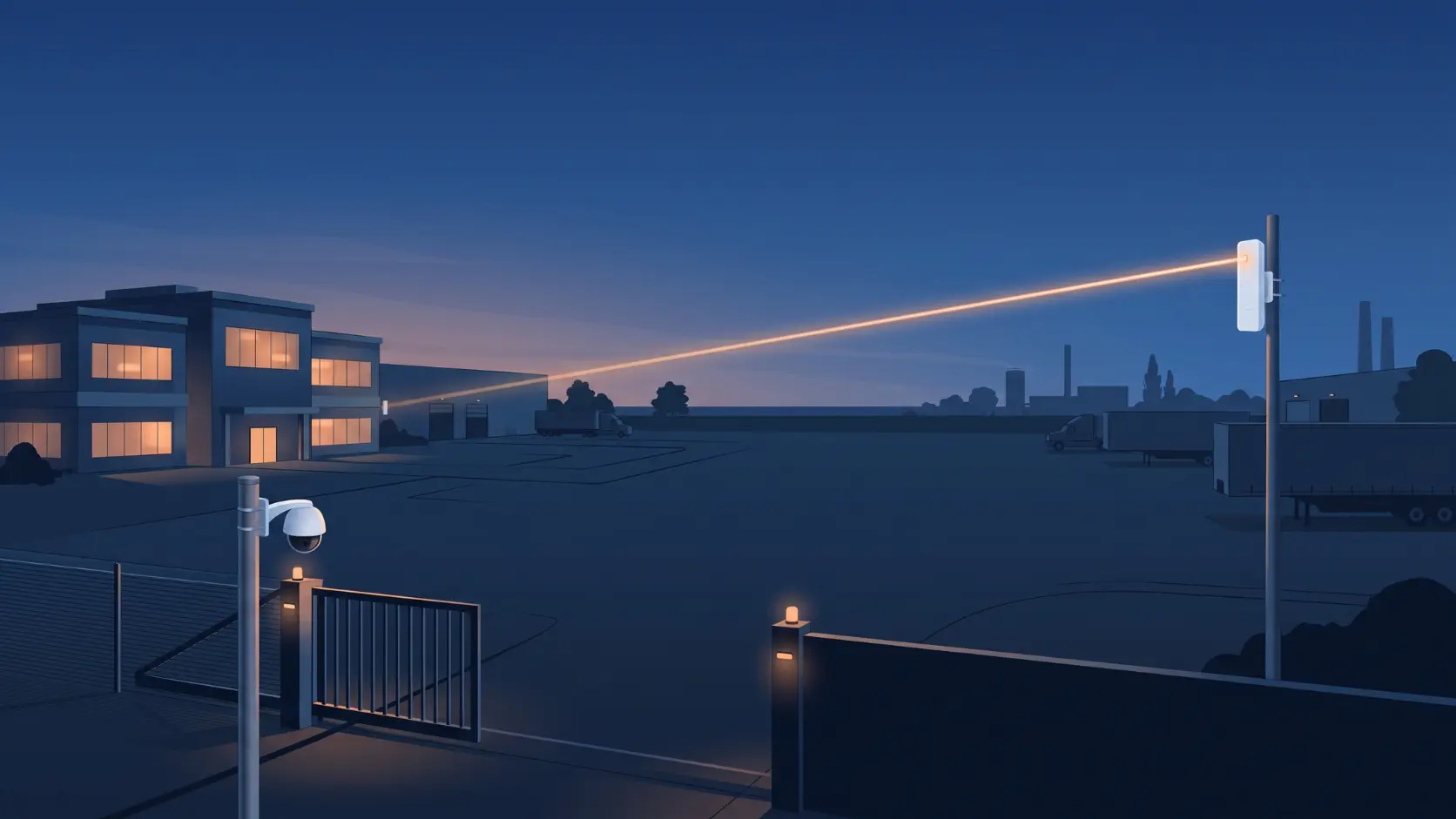
Sending CCTV video over a wireless link? Size the bandwidth, place the recorder and avoid lost footage with Tenda outdoor CPE picks by camera count.
The typical wireless CCTV story goes like this. The installer sets up the link in the afternoon, the live view looks perfect, and everyone's happy. Three weeks later, someone needs footage from a Saturday night, and there are gaps in it. Nothing was broken. The link was just carrying a bit more than it could handle once the cameras switched to night mode.
Wireless links work very well for CCTV, and they solve a real problem: a gate, a parking area, a boundary wall or a godown 300 metres from the main building, with no sensible way to run cable. But video is the most demanding thing you'll put across one, and it punishes sloppy planning. This guide covers the planning: how much bandwidth your cameras need, where to put the recorder, which Tenda model fits which camera load, and how to keep footage safe when something goes wrong.
For the physical installation itself (mounting, aiming, powering), see our guide to connecting two buildings without cabling. This post is about the CCTV-specific design decisions.
What "Backhaul" Actually Means Here
Backhaul is just the long hop. Your cameras connect to a switch at the remote site, and the wireless link carries all their video back to wherever the recorder or monitoring station lives. The CPE pair is standing in for a very long Ethernet cable.
That means a CPE doesn't replace anything at the camera end. It doesn't power the cameras, and it isn't a camera switch. Those jobs still need a PoE switch or injector at the far end.
Three Common Layouts
1. One distant camera. A CPE at each end, with a PoE injector powering the camera at the far side. Tenda's POE30G-AT injector is the product to look at here; check that it matches your camera's power requirement.
2. A cluster of cameras at a remote site. The far CPE connects to a small PoE switch, and the cameras plug into that. Size the switch for the number of cameras and their power draw, using our guides to the best PoE switch for home CCTV and PoE power budgets. Four cameras is a typical fit for a Tenda S106PC or SG106PC, and up to eight suits the S110PC or SG110PC.
3. Several remote sites feeding one recorder. A hub unit at the main building talks to a CPE at each remote site. This is the point-to-multipoint setup, and it shares the hub's bandwidth between all the sites. Our point-to-point vs point-to-multipoint guide explains when it makes sense.
Step 1: Work Out How Much Bandwidth Your Cameras Really Use
This is the calculation most installs skip. A camera's bitrate depends on its resolution, compression and how busy the scene is. These are typical figures per camera at 25 to 30 frames per second:
| Camera resolution | H.264 (approx.) | H.265 (approx.) |
|---|---|---|
| 2MP (1080p) | 2 to 4 Mbps | about 2 Mbps |
| 4MP | 6 to 8 Mbps | 3 to 5 Mbps |
| 8MP (4K) | 12 to 16 Mbps | 6 to 12 Mbps |
H.265 typically needs 40 to 50 percent less bandwidth than H.264 for similar picture quality, so switching a camera's codec is often the cheapest way to cut its load. Treat the table as a guide only. Your camera's own bitrate setting is the number that counts.
Two things quietly push these figures up. Night mode with infrared lighting often raises the bitrate, and so does a busy scene with lots of movement. Plan for the busiest moment, not the quietest.
The method:
- Add up the bitrates of every camera on the link.
- Add roughly 30 percent for protocol overhead and spikes.
- Choose a link that delivers comfortably more than that in a real measurement, not just on the spec sheet.
Worked example. Six 4MP cameras on H.265, at about 4 Mbps each, come to 24 Mbps. Add 30 percent and your design figure is about 31 Mbps. A link that tests at around 40 Mbps or more on your actual path gives you comfortable headroom. A link that only just manages 31 does not.
The headline wireless speed on the box is a theoretical rating. Tenda, for example, rates the O6's radio at 867Mbps but quotes real point-to-point throughput of up to 450Mbps and beyond. Real-world results on your path will vary, which is why you measure after installing.
Step 2: Match a Tenda Model to Your Camera Load
Range matters, but for CCTV, bandwidth matters at least as much. Here's a sensible way to match them. Our full range comparison covers each model in more detail.
| Camera load (example) | Design bandwidth | Sensible choice |
|---|---|---|
| 1 to 2 cameras at 2MP, short hop (up to about 1km) | roughly 5 to 10 Mbps | O1-5G |
| 3 to 4 cameras at 2MP, up to a few km | roughly 10 to 15 Mbps | OS3 |
| 4 cameras at 4MP, up to a few km | roughly 20 to 25 Mbps | OS3, or O6 for more margin |
| 6 to 8 cameras at 4MP | roughly 30 to 45 Mbps | O6 or O9, after measuring real throughput |
| A few cameras on a very long hop | depends on cameras | O8 (433Mbps rating) for distance, O9 if bandwidth matters too |
A few notes on that table:
- The O3 is rated at 150Mbps on 2.4GHz. That suits a handful of low-bitrate cameras, but it's the first one to run out of room as cameras are added.
- The OS3's wired ports are Fast Ethernet (100Mbps), which is plenty for typical camera loads but worth knowing about if you're stacking a lot of traffic through it.
- The O6 and O9 have Gigabit ports and more headroom, so they're the better picks for larger camera counts or higher resolutions.
Step 3: Decide Where the Recording Happens
This decision is what separates a CCTV link that survives a bad day from one that leaves a hole in your footage.
Record at the main building (centralised). The recorder sits with the rest of your system, and the link carries every camera's full video continuously. It's simple to manage and view, but if the link or the power at the remote end drops, recording from those cameras stops.
Record at the remote site, view from the main building. A recorder at the far end writes video locally, and the link only carries what you're actually watching or playing back. If the link drops, recording carries on. This is a good choice for critical areas or a marginal link, and it uses much less bandwidth.
Use camera memory cards as a safety net. Many IP cameras can record to a microSD card, and many recorders can use that to fill gaps after a network interruption (often called Automatic Network Replenishment; check whether yours supports it). Memory cards wear out faster than recorder hard drives under constant writing, so use them as a backup, ideally with motion-triggered recording, and not as your main storage.
For anything where missing footage would be a real problem, such as a gate, a stockroom or a petrol pump forecourt, don't rely on a single point of failure.
Step 4: Keep the Far End Powered
A wireless link has two ends, and both need electricity. If the remote site loses power, the CPE, the switch and the cameras all go down together, and recording stops with them.
A small UPS at each end, sized for the CPE and the PoE switch, keeps the link alive through short power cuts and covers the gaps that matter most at night. Check the PoE switch's total power budget against the cameras it's powering, since night-time infrared draws extra power. Our PoE power budget guide walks through it. If you can run cable for a single camera under roughly 250 metres, PoE Extend Mode is sometimes simpler than a wireless link, though the speed on those ports is limited.
Step 5: Keep Cameras Off Your Office Network
Cameras are a common weak point on any network, and a long wireless link adds more places for traffic to travel. Where you can, keep camera traffic on its own segment, separate from office computers and guest WiFi. That takes a managed switch, and our guide to VLANs explains when it's worth it. At a minimum, change every default password on the cameras and the recorder, and on the CPEs themselves.
Step 6: Test the Way a Failure Would Actually Happen
A link that works when you finish installing it hasn't been tested yet. Before you hand it over:
- Have every camera streaming at once, not just one at a time, because that's the real load.
- Leave it running through a night, since infrared raises bitrates and some interference only appears at certain times of day.
- Play back recorded footage and look for gaps. Choppy playback or missing seconds are the early signs of packet loss, even when live view looks fine.
- Power-cycle the remote end and confirm every camera reconnects and resumes recording on its own.
When something does fail, the pattern tells you where to look. If only one camera drops, check its cable, its PoE port and the local switch before blaming the link. If every remote camera drops at the same moment, look at the wireless link, the remote power, or the connection back to the recorder.
Mistakes That Cause Most CCTV Link Problems
- Sizing the link for the cameras on a quiet afternoon. Plan for night mode and busy scenes.
- Adding cameras later without rechecking. Every extra camera eats into the same link.
- Choosing 2.4GHz in a crowded area. Interference changes through the day, so a link that tested fine in the morning can struggle by evening.
- Forgetting the camera power. The CPE carries data. The cameras still need their own PoE switch or injector.
- No backup recording. One failure point is one gap in your footage.
Frequently Asked Questions
How many cameras can one wireless link carry?
It depends on their combined bitrate and the link's real throughput, not a fixed number. Add up the camera bitrates, add around 30 percent, and choose a link that delivers comfortably more when you measure it on site.
Does the CPE power the cameras?
No. The CPE carries data only. Cameras at the remote end need a PoE switch or injector, or their own power supply.
Will the cameras keep recording if the wireless link drops?
It depends on where recording happens. If the recorder is at the main building, recording stops while the link is down unless the cameras have memory cards and the recorder can fill gaps afterwards. If the recorder is at the remote site, recording continues through an outage.
Can I use WiFi cameras instead of a CPE link?
WiFi cameras suit short distances inside a building or yard. For an outbuilding hundreds of metres away, a dedicated CPE link is the more reliable way to carry video, with ordinary PoE cameras at the far end.
Do PTZ and 4K cameras work over a CPE link?
Yes, as long as the link has the bandwidth. A 4K camera can use 12 Mbps or more, so count it carefully, and check that the PoE switch can supply the extra power PTZ cameras need.
Which Tenda model is best for CCTV?
For a few cameras on a link of up to a couple of kilometres, the OS3 is a solid default. For larger camera counts, step up to the O6 or O9, and use the O8 for very long hops with modest bandwidth. If you're unsure, our team can help match a model to your site.
A wireless CCTV link is only as reliable as the planning behind it. Work out the bandwidth, decide where the recording lives, keep both ends powered, and test it the way a bad night would. Browse Tenda's outdoor CPE range to find a model for your camera load.