PoE Injector Guide: When You Need One and How to Use It Safely
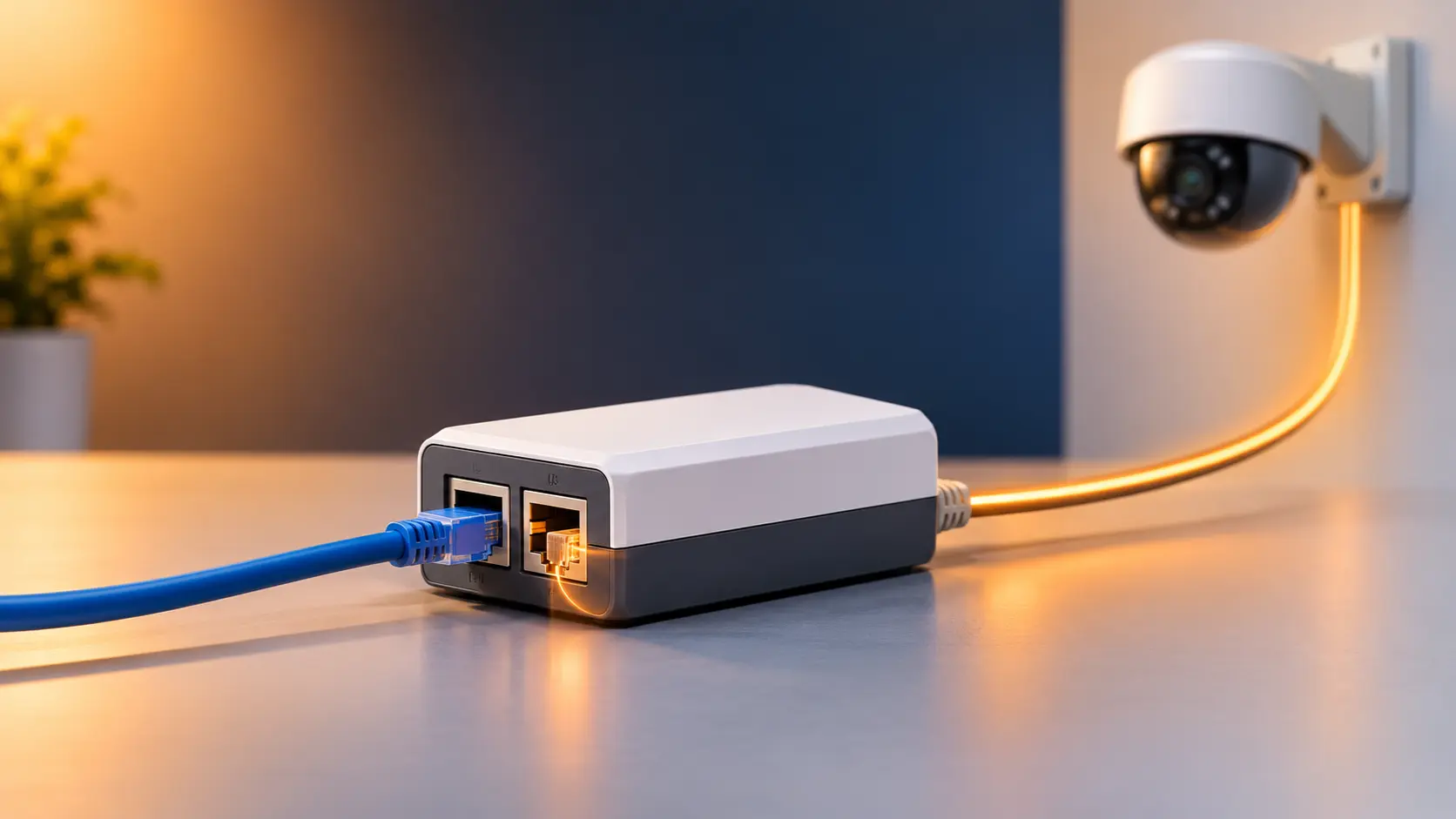
Need to power one camera or access point over Ethernet? Learn when a PoE injector fits, the passive vs standard PoE trap, and how to connect it.
You've mounted a camera on the compound wall, or an access point high on a ceiling, and there's no power socket anywhere near it. There's Ethernet, though, or you can run it. The fix is a small box that puts power onto that same cable, and it's called a PoE injector.
Injectors are simple devices, and they're very easy to use wrongly in one specific way: grabbing a PoE injector that doesn't match the device on the other end. This guide covers when an injector is the right choice, what to check before you buy, and the one mix-up that causes most injector trouble.
If you're comparing an injector with a PoE switch, our guide on the difference between a PoE switch and a PoE injector covers that. This one is about buying and using the injector itself.
What a PoE Injector Does
A PoE injector sits between your network and a single powered device. Data comes in from your router or switch on one port. The other port sends data and power together down one Ethernet cable to the device, which could be an IP camera, a WiFi access point or a VoIP phone. The device then needs no power adapter and no nearby socket.
Tenda's range has one injector, the POE30G-AT. It has two Gigabit ports (one for data in, one for data and power out), supports 802.3af and 802.3at, and delivers up to 30W to one device. It needs no setup: connect it, plug it in, and it works.
When an Injector Is the Right Choice
An injector makes sense when you have one device, or a few separate ones, and your existing switch has no PoE:
- One camera in a far corner. A gate or boundary camera with the nearest socket 40 metres away.
- One access point where there's no power. A ceiling or high-wall unit in a room with no socket close by.
- Adding PoE to a switch you already own. You don't need to replace a perfectly good non-PoE switch for one device.
- A device placed away from your main cluster. One extra camera or phone that's nowhere near the others.
When a PoE switch is the better answer: if you have three or more PoE devices, or you expect to add more, a PoE switch is tidier and usually cheaper than a row of injectors, each needing its own socket and power adapter. Our PoE switch size guide helps you pick one.
Four Things to Check Before You Buy
1. The PoE standard your device needs
This is the big one, and it gets its own section below.
2. Power: will 30W be enough?
Find your device's power draw on its datasheet. Typical figures:
| Device | Typical draw |
|---|---|
| Fixed IP camera with night vision | 6W to 12W |
| WiFi access point | 9W to 13W (Tenda's OAP1200 draws about 11.5W) |
| VoIP phone | 4W to 7W |
| PTZ camera | 15W to 30W |
A 30W injector covers all of these. The exceptions are PTZ cameras with built-in heaters and some multi-radio access points, which can need more than 30W and call for a higher PoE standard. Check before you buy.
3. Speed: Gigabit or 100M?
Most cameras need only a few Mbps, so 100M is plenty for them. An access point is a different matter, because it carries traffic for many devices and benefits from Gigabit. The POE30G-AT is Gigabit, so it won't hold either one back.
4. Distance
The injector can send power over Ethernet cable up to 100 metres. The important part is that the 100 metres is measured along the whole run, from the switch or router to the device, not from the injector. If your cable is already 70 metres to where the injector will sit, you only have about 30 metres left beyond it.
The Mix-Up That Causes Most Trouble: Passive vs Standard PoE
Not all PoE is the same, and an injector only works with the type your device expects.
Standard PoE (802.3af/at) is the internationally agreed version. The injector first checks whether the device on the end is a compatible PoE device, then sends it power only if it is. Most IP cameras, WiFi access points and VoIP phones use this. Tenda's POE30G-AT is a standard injector, and its datasheet says it auto-detects the powered device.
Passive PoE is simpler and less careful. It sends a fixed voltage down the cable with no check at all. Many outdoor wireless equipment and some budget devices use it, usually at 12V or 24V, and each one expects its own injector.
Why this matters:
- A standard injector won't power a passive-only device. Because the device doesn't answer the injector's check, the injector sends nothing, and the device simply stays off.
- A passive injector can damage a standard device. It sends power with no check, to a device that wasn't built to receive it that way.
- Different passive devices use different voltages. Injectors aren't interchangeable even between two passive models.
What this means in practice:
- Many Tenda outdoor CPEs (the O3, OS3, O1-5G and others) are powered by passive PoE, and Tenda puts the correct injector in the box. Use that one. Don't swap it for the POE30G-AT, and don't borrow an injector from a different model. Our outdoor CPE troubleshooting guide covers the power problems this causes. Some newer hardware revisions of certain models do list standard PoE support, so your unit's manual is the final word.
- For IP cameras, access points and phones that follow 802.3af or 802.3at, a standard injector like the POE30G-AT is the right fit. For access points, confirm the unit's requirements. Tenda's OAP1200, for example, accepts standard 802.3at PoE as well as passive PoE.
- If you're ever unsure, check the device's label or manual for "802.3af", "802.3at" or "passive PoE" and a voltage. Our PoE standards guide explains af, at and bt in full.
How to Connect a PoE Injector
- Connect the network to the injector's data input. Run a short Ethernet cable from your router or switch to the injector's data-in (LAN) port.
- Connect the injector to the device. Run a cable from the injector's PoE output port to the camera or access point. This is the only port that carries power.
- Plug the injector into the mains. For CCTV, use a surge protector, and ideally a UPS or inverter, so power cuts don't blank your cameras. The injector's rated input is 100 to 240V.
- Check the lights. The injector shows power and PoE status LEDs. If the PoE light is on, the device is receiving power.
Two rules that prevent most accidents: connect only the PoE output port to the powered device, and never plug that output into a router, computer or switch port.
Where to Put It
Treat the injector as an indoor device. Tenda lists an operating range of 0°C to 40°C, so:
- Keep it indoors, in a dry spot with some airflow. It isn't built for rain or for sitting outside in the sun.
- Don't seal it in a hot box on a rooftop or in a closed cabinet in summer, where temperatures can climb well past 40°C.
- Put it near the network, not near the device. Keeping it with your router or switch, on a protected power source, is usually easiest.
Common Mistakes
- Using the wrong type of injector for the device. Check passive vs standard first.
- Expecting one injector to power two devices. It has one PoE output and 30W in total. Two devices need two injectors, or a PoE switch.
- Measuring the 100 metres from the injector. Measure the whole run.
- Plugging the data port and the PoE port the wrong way round. Power only comes from the PoE output port.
- Forgetting about power cuts. A camera on an injector is only as reliable as the power to the injector.
Frequently Asked Questions
Do I need an injector if my switch already has PoE?
No. A PoE switch already supplies power on its PoE ports, so the device can plug straight in. An injector is for adding PoE where your switch has none.
Can one injector power two cameras?
No. It powers one device through one output port. For two or more, use two injectors or a PoE switch.
Will the POE30G-AT power my Tenda outdoor CPE?
It depends on the model. Many outdoor CPEs use passive PoE and come with their own matching injector, and a standard injector won't power them. Use the injector supplied with the CPE, and check the manual for your hardware version.
Can an injector make a non-PoE camera work?
Not on its own. A camera that has no PoE needs a separate power adapter, or a PoE splitter at the camera end. If you're buying a camera, choose a PoE model.
Does an injector extend the range of my Ethernet cable?
No. The total run from network to device is still limited to 100 metres. For longer runs, see our guide to PoE Extend Mode, or use a wireless link.
Does it need any setup? No. It's plug and play, with no software or configuration.
What if I have more than three PoE devices?
A PoE switch is usually the better answer. Compare options in our PoE power budget guide and best PoE switch for home CCTV guide.
An injector is the simplest way to put power and data on one cable for a single device, as long as the type matches. See Tenda's PoE injector, or explore PoE switches if you have several devices to power.